Android RAW vs JPEG for Lightroom Film Presets — Which Is Better? (2026)
Android RAW vs JPEG for Lightroom Film Presets — Which Is Better? (2026)
Android RAW files give Lightroom the full sensor data — no HDR compression, no saturation boost, no automatic sharpening. For film preset editing, the difference between Android RAW and JPEG is significant. This guide explains exactly what you get with each and when the switch to RAW is worth it.
What Android JPEG does before Lightroom sees it
Standard Android JPEG processing applies before any editing:
HDR compression (shadows lifted, highlights pulled, contrast reduced)
Saturation boost (particularly Samsung)
Edge sharpening
Noise reduction
Color enhancement
For a film preset that assumes a neutral, wide-tonal-range starting point, this processing creates multiple layers of correction needed before the preset works naturally.
What Android RAW gives you
RAW files bypass the above processing entirely. Lightroom receives the raw sensor data:
Full dynamic range — typically 2-3 stops more highlight and shadow latitude than JPEG
No saturation boost — colors start neutral
No HDR compression — full natural tonal range
No automatic sharpening — you control texture and detail
Film presets respond to RAW more naturally. The preset's own tonal adjustments — lifted shadows, pulled highlights, color grading — work on a clean foundation rather than on top of processed JPEG.
Practical comparison
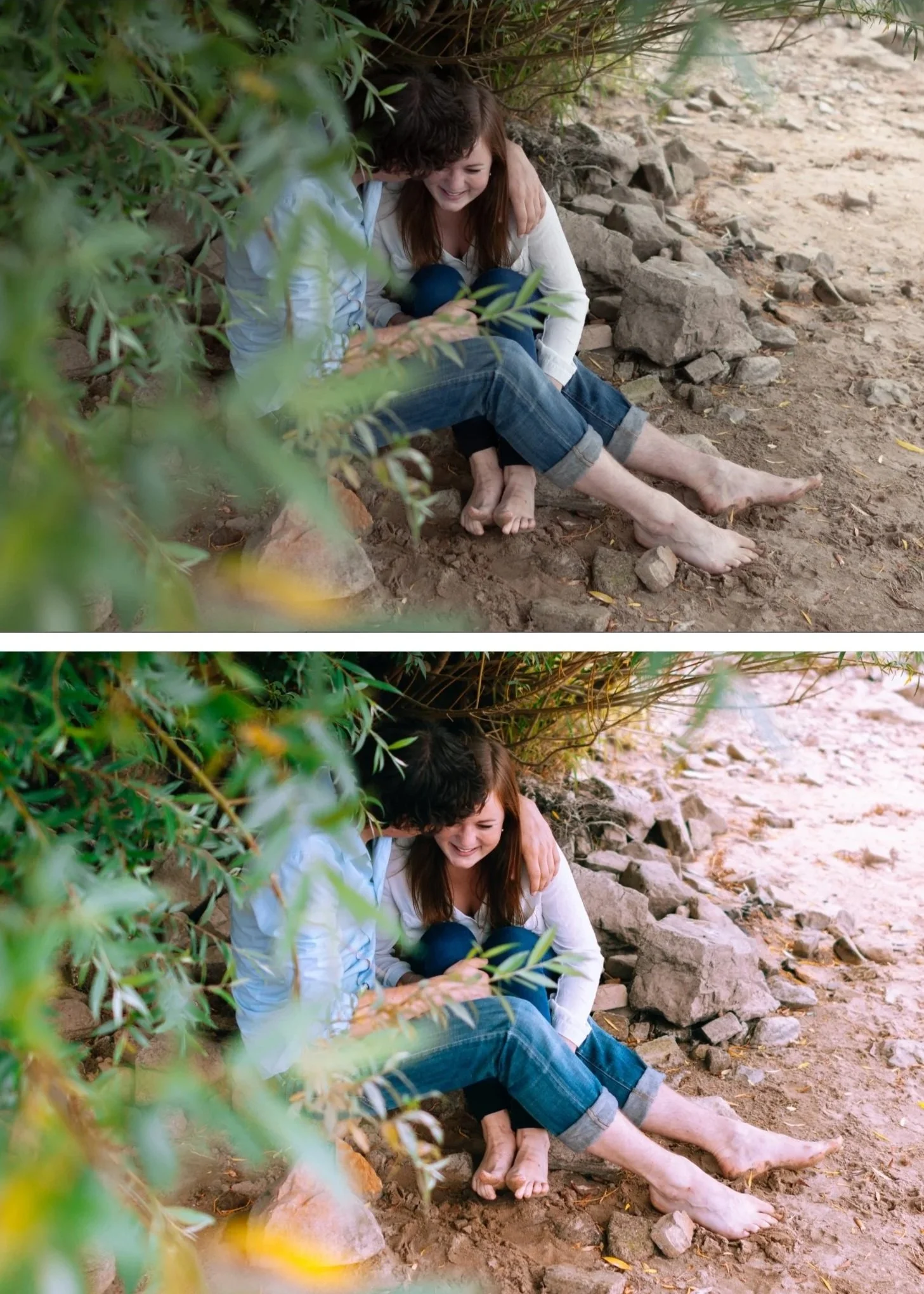
Bright outdoor scene, Samsung Galaxy + M5 Warm Dark:
JPEG result: preset looks overdone. Samsung HDR already lifted shadows — M5's shadow deepening conflicts. Saturation boost plus warm preset pushes color toward orange. Needs reduction to 65% and significant manual correction.
RAW result: M5 at 90% looks natural. Shadows have depth because they were not pre-lifted. Color renders correctly because saturation was not pre-boosted.
How to shoot RAW on Android
Samsung Galaxy S21 and later: Expert RAW app (download from Galaxy Store). Shoots RAW+JPEG simultaneously.
Google Pixel 6 and later: Camera app, More, Pro mode. Tap the file format button, switch to RAW or RAW+JPEG.
OnePlus: Pro mode in camera, enable RAW in settings.
Xiaomi: Pro mode, change format to RAW.
When JPEG is still fine
For casual photos you share directly without film editing — JPEG is faster and produces immediately good results from Samsung and Pixel's processing.
For photography where you want quick film editing without the RAW workflow, JPEG with the Android preparation steps (Camera Standard, Sharpening reduction, Vibrance reduction) produces acceptable results.
For your best photography — portraits, travel, golden hour, events where you want the best possible film quality — RAW.
FAQ
Is Android RAW the same quality as a camera RAW file?
Getting closer but not identical. Android sensors are smaller than dedicated camera sensors — less dynamic range and more noise at higher ISO. At base ISO in good light, Android RAW quality is excellent. In low light, dedicated cameras have a significant advantage.
Do I need Lightroom Premium for Android RAW editing?
The free version of Lightroom Mobile supports RAW editing for DNG files. Samsung Expert RAW exports DNG. Pixel RAW files may require the free Lightroom Mobile.