Film Presets vs Manual Editing — Which Is Better? (2026)
Film Presets vs Manual Editing — Which Is Better? (2026)
The debate between presets and manual editing assumes they are opposites. They are not. A preset is a saved manual edit. Understanding manual editing makes you a better preset user. Using presets intelligently saves the time you would otherwise spend on repetitive manual work.
The real question is not which is better — it is which is appropriate for your workflow.
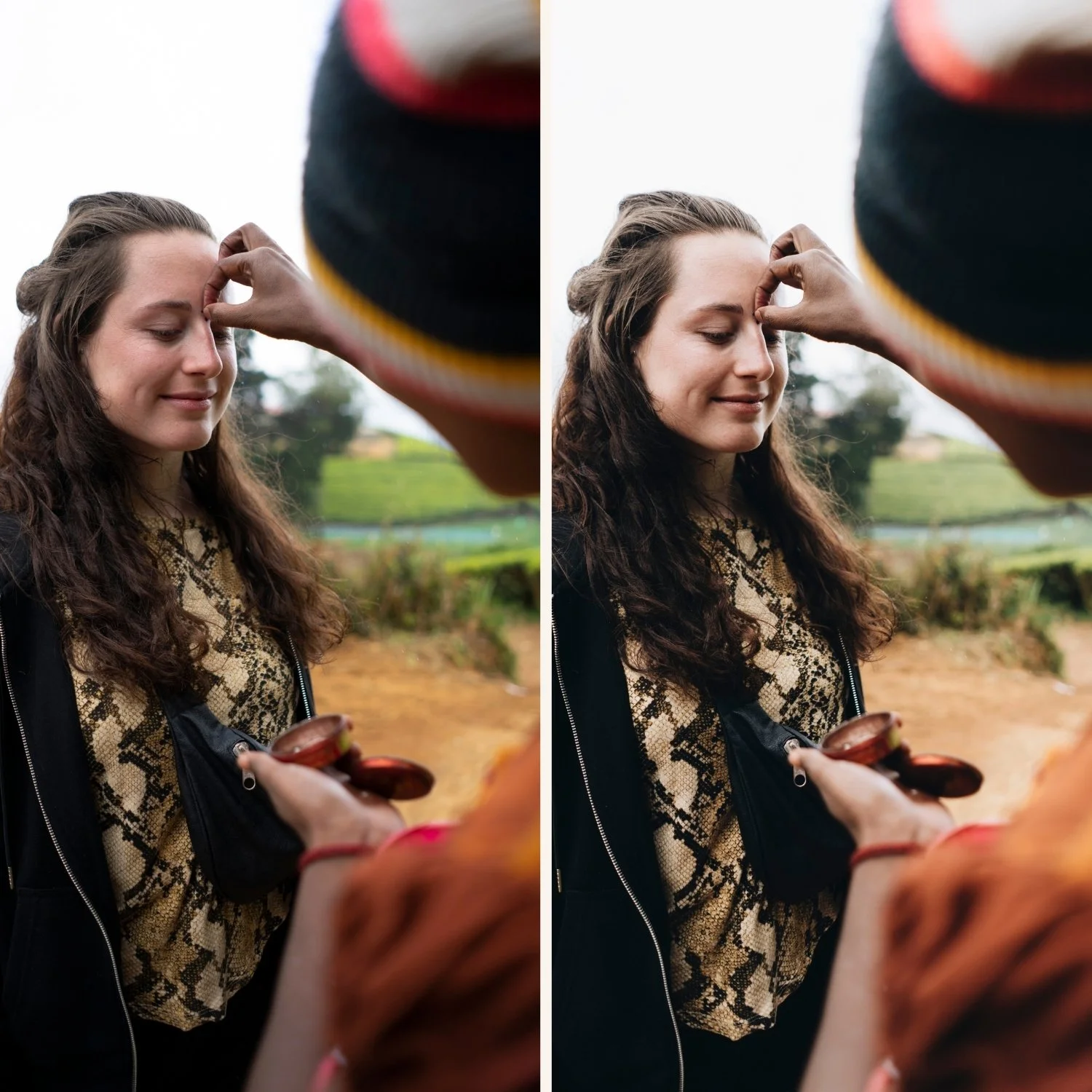
What manual film editing actually involves
Building the film look manually in Lightroom requires these adjustments on every photo:
Lift Blacks +20 to +35 for film shadow quality
Pull Highlights -25 to -40 for soft highlight roll-off
Set the film tone curve (S-curve with lifted black point)
Add warm Color Grading to shadows
Shift Green Hue toward yellow, reduce Green Saturation
Reduce Blue Saturation
Set Vibrance -10 to -20
Add grain (Amount 15-25, Size 22-28, Roughness 45-55)
Set Clarity -5 to -10
On a single photo, this takes 5-10 minutes. On a gallery of 400 photos, that is 33-66 hours of editing. And that assumes you are consistent — applying the same values in the same order every time.
What a preset does
A preset saves all of the above adjustments as a single click. Apply the preset, fix exposure and white balance per photo (2 minutes), move on. A 400-photo gallery takes 4-6 hours instead of 33-66 hours.
The quality of the result depends on the quality of the preset, not on whether you used a preset or edited manually.
Direct comparison
Quality: Equal, if the preset is well-calibrated. A manually built film look using the exact same slider values as a preset produces identical results. The medium does not affect quality — the values do.
Consistency: Presets win decisively. A preset applies exactly the same values to every photo. Manual editing introduces variation — some photos get slightly more grain, slightly different Color Grading. For gallery consistency, presets are significantly better.
Time: Presets win decisively. 2 minutes per photo versus 5-10 minutes per photo. At scale, this is not a marginal difference.
Control: Manual editing wins marginally. You can make micro-adjustments to any value as you go. With a preset, you apply and then fine-tune. In practice, the fine-tuning approach is equally effective.
Learning: Manual editing wins. Understanding each adjustment makes you a better editor regardless of whether you use presets. Photographers who understand manual film technique use presets more intelligently.
The right approach
Learn the manual technique first. Apply it to ten photos. Understand what each adjustment does and why. Then save the result as a preset and use that preset going forward.
This gives you the learning benefit of manual editing and the efficiency benefit of presets. It is not one or the other — it is both, in the right sequence.
Manual film look guide: How to Make Photos Look Like Film Without Presets
When manual editing makes more sense
One-off creative projects. A single photo intended for print or exhibition where maximum individual attention is appropriate.
Exploring a new editing direction. Building a look manually before converting it to a preset helps you understand the direction and calibrate it correctly.
Complex retouching. Portrait retouching, architectural correction, and compositing work requires manual adjustment regardless of preset use.
When presets make more sense
Gallery editing at volume. Any time you are editing more than twenty photos that should look visually related.
Professional client delivery. Consistency across a client gallery is non-negotiable. Presets ensure it.
Everyday photography. Casual photography shared to Instagram or social media benefits from one consistent look applied quickly.
FAQ
Do professional photographers use presets?
Yes — the vast majority of professional photographers who deliver large volumes (weddings, portraits, events) use preset systems. Manual editing at professional delivery volumes is not practical.
Can you tell the difference between a preset edit and a manual edit?
No. If the values are the same, the result is identical. The method of applying the values does not affect the quality of the output.
