Finding Your Photography Style: 5 Exercises to Develop Your Unique Look
Finding Your Photography Style — 5 Practical Exercises (2026)
Photography style is not something you choose from a list — it is something you discover by paying attention to what you already gravitate toward. These five exercises make that discovery systematic rather than accidental.
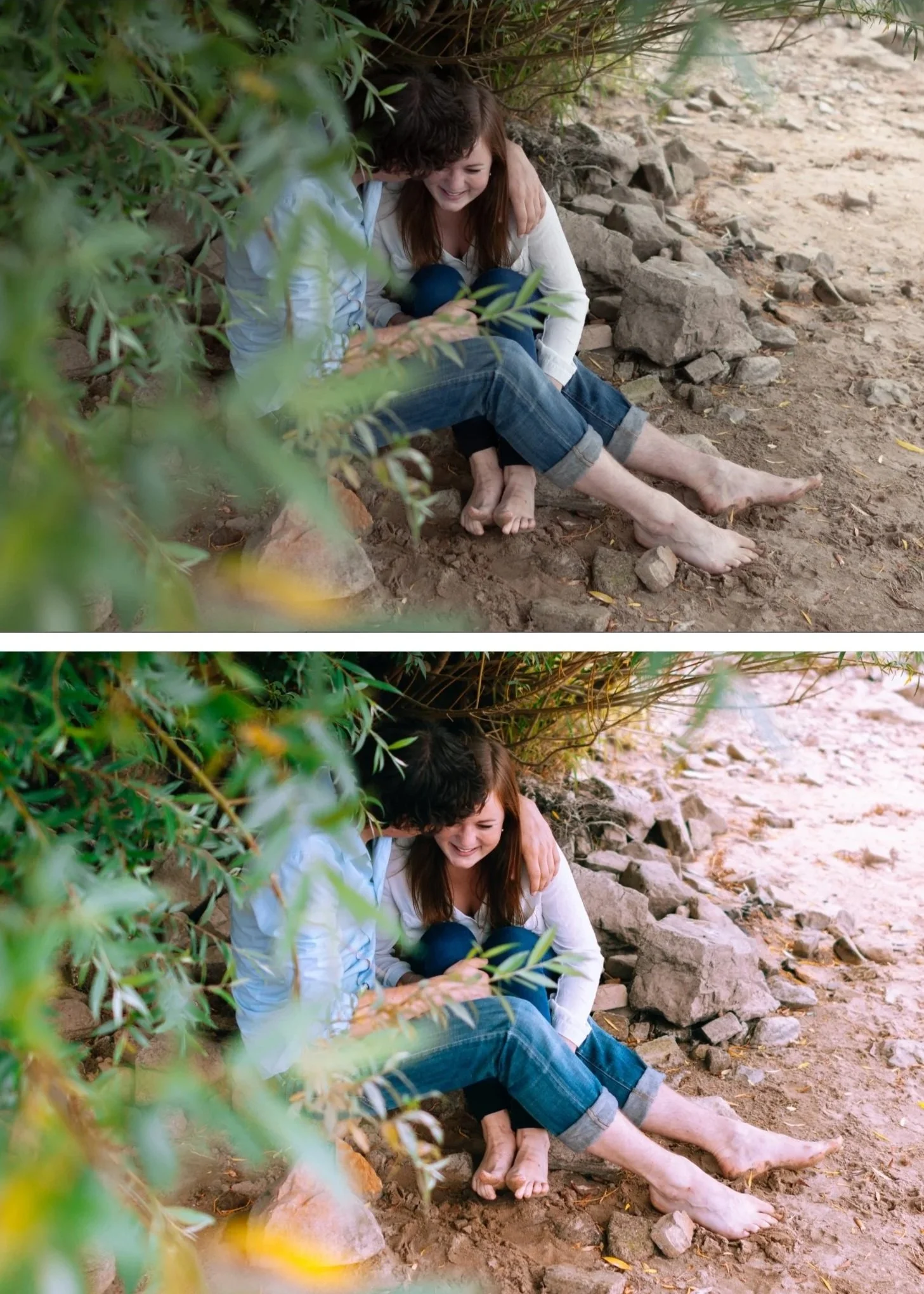
Exercise 1 — The 50-photo audit
Look at the last fifty photos you took that you are proud of. Not the best technical photos — the ones you feel something when you look at them. Write down three characteristics they share.
Common patterns people discover: a preference for warm light over cool. A preference for close subjects over wide environmental shots. A preference for stillness over motion. A preference for muted color over vivid.
These preferences are your visual identity — they exist before any editing decision. Your editing style should enhance what is already there, not fight against it.
Exercise 2 — The photographer reference exercise
Find five photographers whose editing you genuinely admire — not who you think you should admire. Save twenty of their photos.
Look at the twenty photos together. What do they have in common? Is the color warm or cool? Is the contrast high or low? Are shadows deep or lifted? Is the editing obvious or invisible?
Most people who do this exercise find their references share more in common than they expected. That commonality is the direction you are drawn toward.
Exercise 3 — The two-preset test
Download the free A6 (clean analog) and M5 (warm moody) presets. Apply both to the same twenty photos from Exercise 1.
One direction will feel immediately more right than the other. Not better technically — more right for your photos and your subject matter. That is your editing direction.
If neither feels right, the two directions are clean analog and warm moody. If you prefer something brighter: bright and airy is the third direction. If you prefer something more restrained: muted luxury is the fourth. Find a free preset in that direction and repeat the test.
Exercise 4 — The consistency audit
Look at your last three months of posted photos — Instagram feed, shared gallery, or portfolio. Can you tell they were made by the same person? Or do they look like they came from different photographers with different styles?
Most photographers who do this exercise discover more inconsistency than they expected. Photos from warm days look different from overcast days. Portrait photos look different from landscape photos. Indoor photos look different from outdoor photos.
Inconsistency is not a failure — it is information. It tells you which lighting conditions your current editing does not handle consistently and where your editing system has gaps.
Exercise 5 — The 30-day commitment
Choose one preset direction from Exercise 3. Apply it to every photo you share for thirty days without exception.
Do not switch based on mood, trend, or individual photo quality. Apply the same direction to everything. At the end of thirty days, look at your gallery.
The consistency is usually surprising. Photos that seemed unremarkable individually look intentional as a collection. The editing identity becomes visible. And the process of applying one consistent look to everything builds the habit of thoughtful editing rather than reactive editing.
FAQ
How long does it take to develop a photography style?
Three to six months of consistent application produces a recognizable visual identity. The first month you find your direction. The second and third months you build consistency. After six months it becomes natural.
Should my editing style match my subject matter?
Your style should suit your subject matter, not fight against it. Warm, vibrant presets suit travel and lifestyle. Clean, neutral presets suit architecture and documentary. Moody presets suit street and atmospheric work. Choose a direction that enhances what you already photograph.
