Best Lightroom Presets for iPhone Lightroom (2026)
Best Lightroom Presets for iPhone Lightroom (2026)
All Lightroom presets work on iPhone through Lightroom Mobile — the free app available on the App Store. No Creative Cloud subscription needed to install or use presets. DNG preset files import in two minutes and apply to any photo in one tap.
This guide covers the best Lightroom presets for iPhone photography in 2026 and the preparation steps that make every preset look significantly better on iPhone photos.
The iPhone preparation step
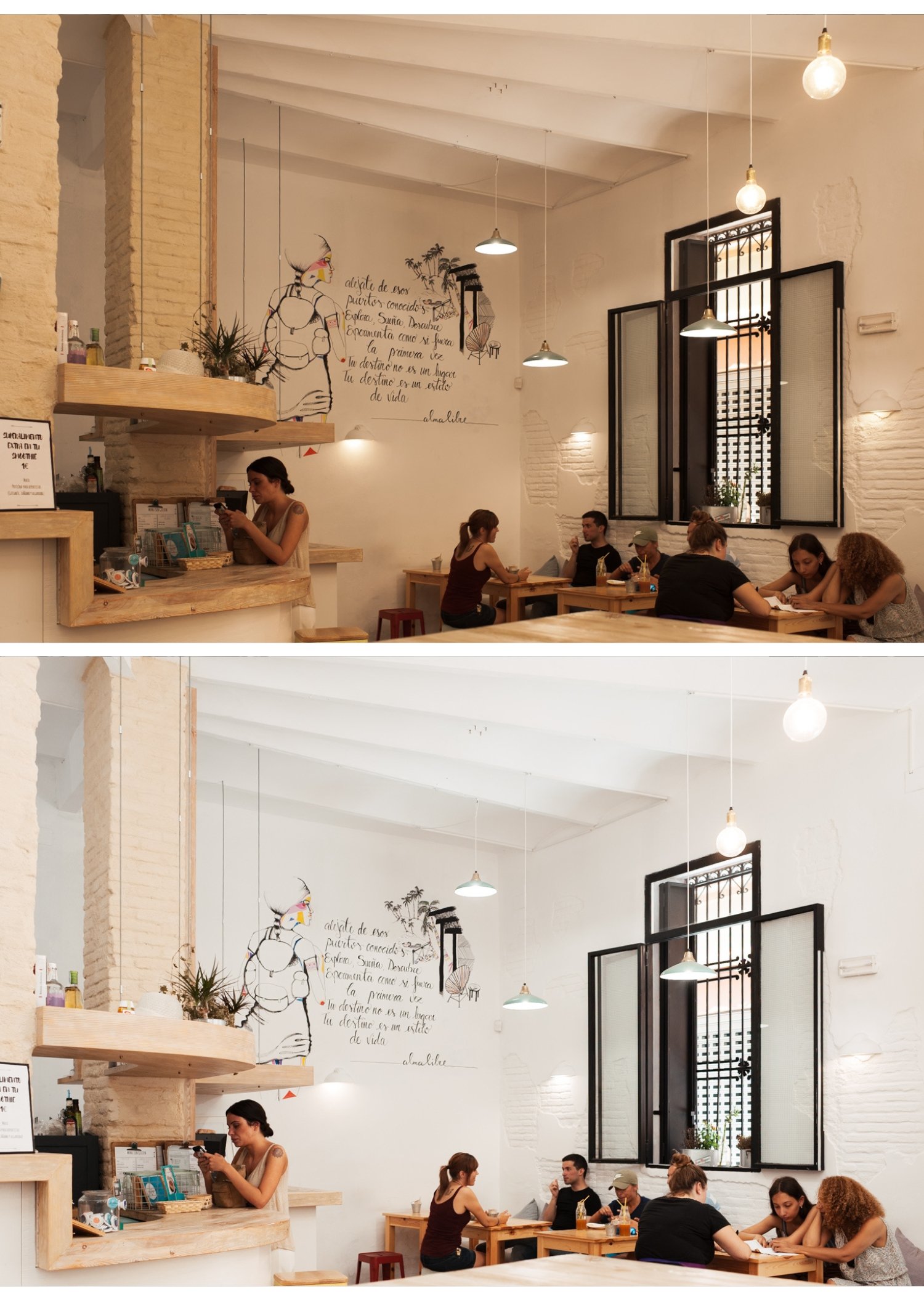
Before applying any Lightroom preset on iPhone, two quick adjustments produce significantly better results.
Reduce Sharpening to 15-20. iPhone automatically adds sharpening. Reducing this before the preset creates a more organic, film-like starting point.
Set Clarity to -10. Removes the digital micro-contrast that makes iPhone photos look processed.
Both take 20 seconds. The difference in how presets render is immediate.
Full explanation: Why My Presets Look Too Strong on iPhone
Best Lightroom presets for iPhone by style
Clean analog film
Analog Film Archive (A-Series) — $27 The most consistently natural-looking collection on iPhone. A6 Clean Portrait is the most popular preset in the shop — clean, warm, versatile across portrait, travel, and everyday iPhone photography.

Warm moodY
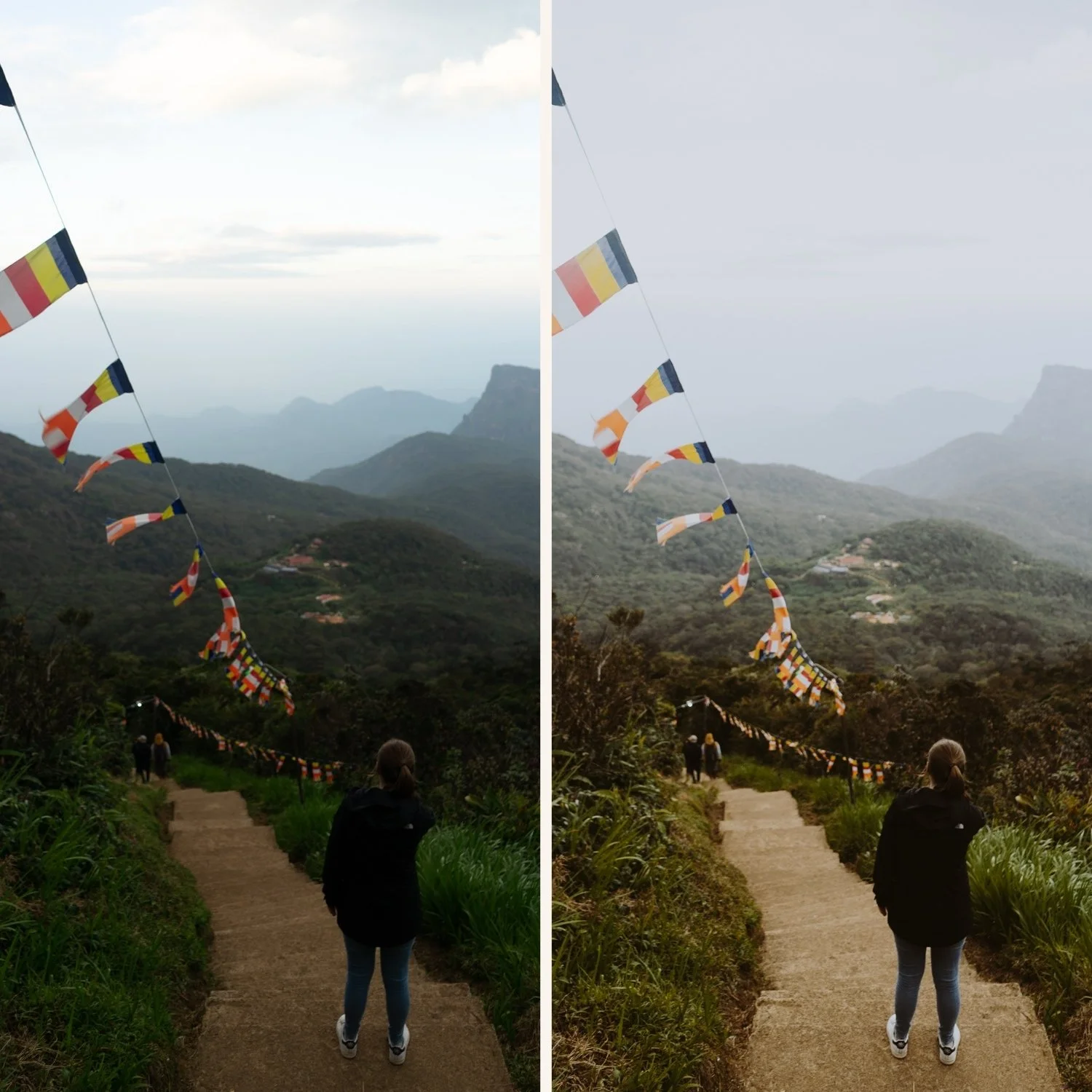
Moody Film Archive (M-Series) — $27 M4 and M5 add cinematic depth and atmospheric quality that suits iPhone's HDR-lifted starting point naturally.
Bright and airy
Bright and Clean Archive (S-Series) — $27 S2 Dreamy Soft is the most iPhone-compatible bright preset — luminous quality without fighting iPhone's already-bright processing.
Portrait-optimized
Glow Portrait Archive (G-Series) — $19.99 Calibrated specifically for iPhone skin rendering. Orange Luminance enhanced, Clarity controlled for iPhone skin texture.
Warm travel and outdoor
California Archive (C-Series) — $27 C1 and C7 for warm outdoor travel photography from iPhone. Strong highlight protection for bright outdoor scenes.
Everything
Studio Archive — $89 130+ presets for $0.68 each. The complete system for iPhone photographers who want every direction covered.
Free presets to start
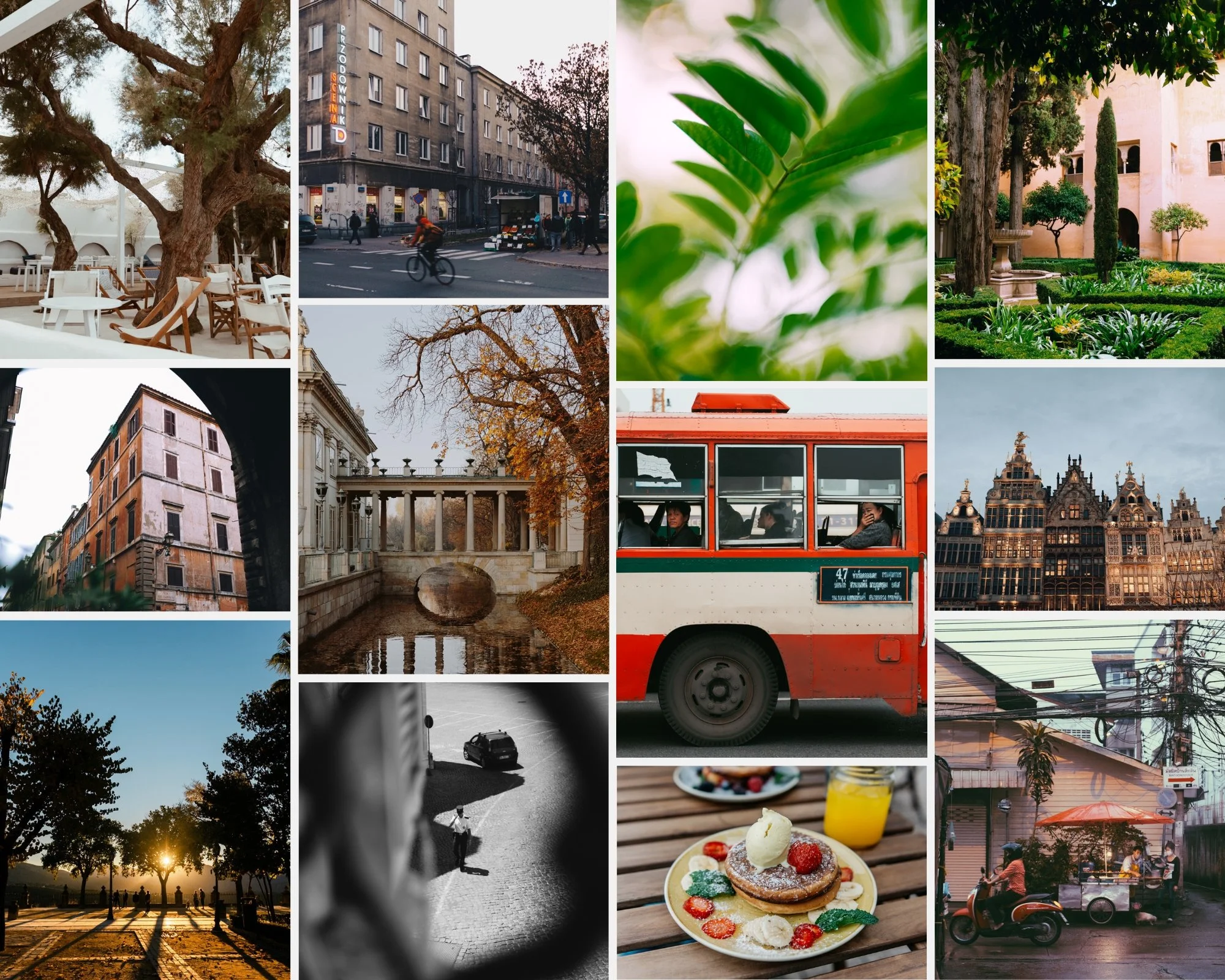
Two free professional presets available instantly:
A6 Clean Analog — clean, natural, versatile
M5 Warm Moody — warm, cinematic, atmospheric
How to install presets on iPhone
Download the DNG preset file to your iPhone
Open Lightroom Mobile (free, App Store)
Tap + and import the DNG as a photo
Open the DNG, tap three dots, Copy Settings, Select All
Tap three dots again, Create Preset, name and save
Total time: 2 minutes. No subscription needed.
Full guide: How to Install Lightroom Presets on iPhone
iPhone-specific preset tips
Reduce preset amount to 75-80%. iPhone's higher contrast and saturation makes full-strength film presets read stronger than intended. 75-80% is the correct starting strength.
Shoot ProRAW for best results. iPhone 12 Pro and later support Apple ProRAW. ProRAW bypasses Smart HDR and gives presets significantly more latitude.
Full guide: iPhone HDR vs ProRAW for Film Editing
Fix white balance before applying. A warm preset on an already-warm indoor iPhone photo creates orange results. Cool white balance before applying.
FAQ
Do I need a Lightroom subscription for presets on iPhone?
No. Lightroom Mobile is free. Preset installation and use is free. No Creative Cloud subscription needed for any of the basic editing functionality.
Why does my preset look too strong on iPhone?
iPhone processing adds contrast and saturation before Lightroom sees the file. Reduce preset amount to 75-80% and reduce Sharpening to 20 before applying.
Full guide: Why My Presets Look Too Strong on iPhone
What is the difference between Lightroom and Lightroom Classic for iPhone?
Lightroom Mobile connects to Adobe Cloud. Lightroom Classic is desktop-only. For iPhone editing, Lightroom Mobile is the correct app.
Full guide: Lightroom Classic vs Lightroom CC
