How to Stop Overediting Your Photos (2026)
How to Stop Overediting Your Photos (2026)
Overedited photos have a specific look. Too much contrast. Over-saturated color. Clarity pushed to maximum. Skin that looks plastic. HDR that looks fake. Every slider pushed to make the photo "pop" — and the result looks worse than the original.
Overediting is not a style problem. It is a workflow problem. These are the specific causes and exact fixes.
The seven signs of overediting
Clarity above +30. Clarity adds mid-tone contrast that makes photos look punchy at low values and harsh and artificial at high values. Above +30 the effect becomes obvious and processed.
Vibrance above +25. Photos with Vibrance pushed above +25 look artificially vivid — colors are too even and saturated to feel natural.
Blacks crushed to pure black. Reducing Blacks below -30 creates pure black shadows with no detail or texture. Film photography never has pure black. Crushed blacks are the signature of amateur digital editing.
Orange skin. Orange Saturation above +15 or warm white balance plus a warm preset creates orange skin. Natural film skin tones are warm and creamy, not orange.
Contrast stacking. Contrast slider plus Clarity plus Texture plus Tone Curve S-curve creates multiple layers of contrast enhancement. The result looks hyper-real and processed rather than natural.
Blue and teal color grading. Orange and teal split-toning was trendy. It is immediately dated and widely recognized as an editing trend rather than a photograph.
HDR quality. Pushing Shadows up and Highlights down to create even, detail-everywhere exposure looks like computational HDR photography. Natural photos have genuine shadow areas.
Fix 1 — The before/after check
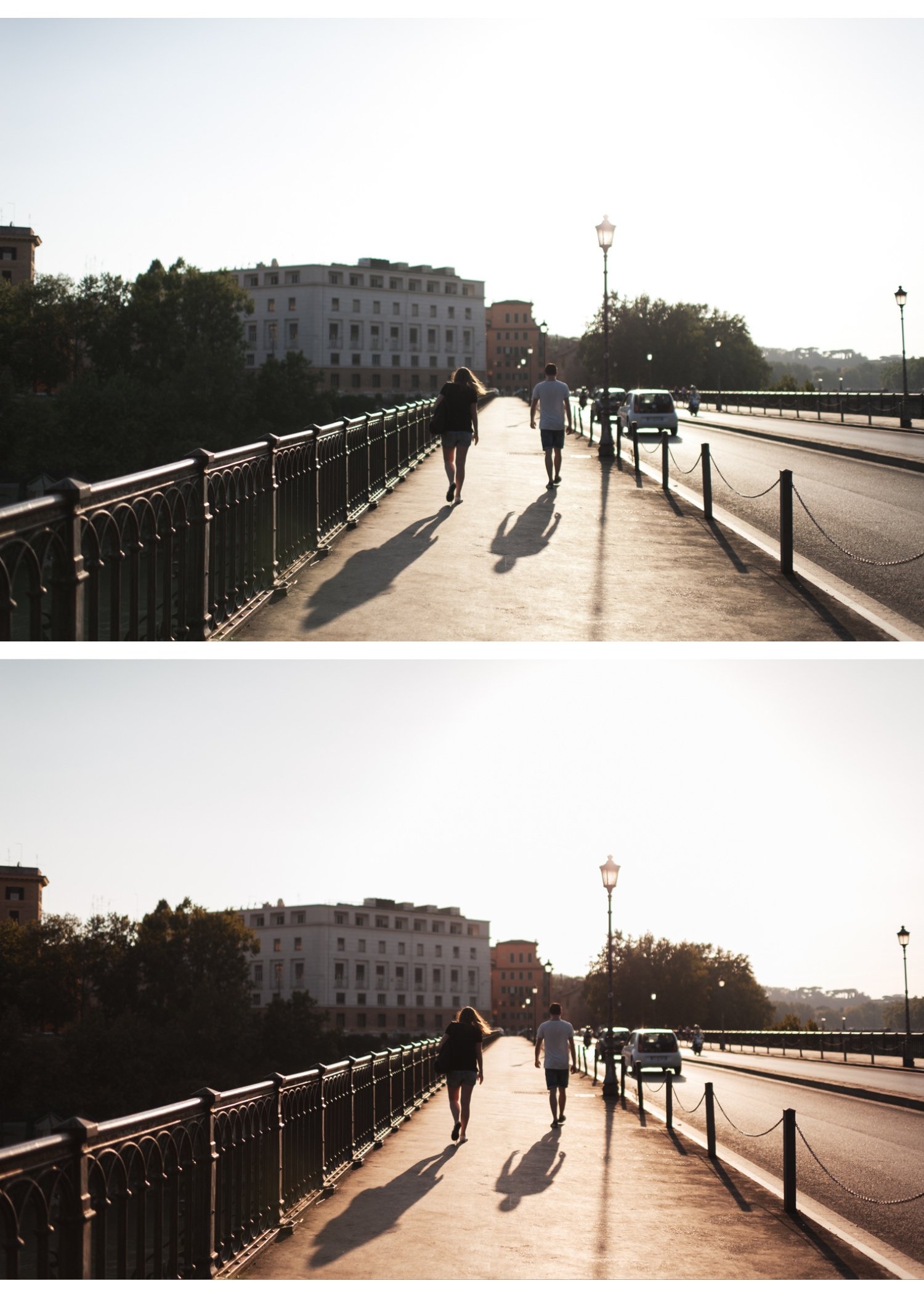
Before exporting, press the backslash key (\) in Lightroom Classic to toggle between edited and original. Look at the original. Does the edited version feel like a better version of what you photographed, or does it look like a different photo?
If it feels like a different photo, reduce every adjustment by 30-40% and check again.
Fix 2 — Use a reference image
Save a photo you consider well-edited as a reference. Before finishing any new edit, compare it to the reference at the same viewing size. The new edit should feel related — similar in brightness, similar in saturation, similar in color temperature.
Significant differences between the new edit and the reference signal overediting in one direction.
Fix 3 — Edit on a calibrated screen at consistent brightness
Overediting often happens on screens that are too bright. What looks correctly exposed on a bright screen looks overexposed on a neutral monitor. Reduce screen brightness to 50-60% before editing and keep it consistent.
Fix 4 — Set a maximum adjustment rule
Film photography editing guidelines that prevent overediting:
Clarity: -15 to +10 maximum
Vibrance: -20 to +15 maximum
Blacks: +15 to +5 minimum (lift rather than crush)
Orange Saturation: -10 to +10 maximum
Contrast: -20 to +15 maximum
These ranges cover the complete film look spectrum without entering overprocessed territory.
Fix 5 — Use presets as a ceiling, not a floor
Apply the preset. Then immediately reduce it to 80-85% strength. Then fine-tune. This approach prevents using the preset as the starting point for adding more — which is how overediting happens with presets.
Fix 6 — Edit consistently, not creatively
The most consistently overedited photographers are those who approach each photo as a creative experiment. Different treatment for each photo creates both inconsistency and a tendency to push adjustments to find something interesting.
Establish one editing direction. Apply it consistently. The consistency creates more interesting galleries than the creative variation.
For building consistent style: How to Build a Consistent Mobile Editing Style
FAQ
How do I know if I am overediting?
The backslash before/after check is the most reliable indicator. If you cannot recognize the original in the edited version — the exposure changed significantly, the color shifted dramatically, or the contrast looks artificial — you are overediting.
Is there a preset that prevents overediting?
Film presets calibrated for natural, organic quality — A6 Clean Portrait, V1 Classic Film — have built-in restraint. They apply the film look without the temptation to keep adjusting because the starting look is already refined.
