Why Teal & Orange Looks Dated (And How to Modernize It)
Why Teal & Orange Looks Dated (And How to Modernize It)
Teal and orange was once genuinely cinematic. Hollywood colorists developed the look in the early 2000s because it works on a technical level: orange sits at the warm end of the spectrum where human skin lives, and teal is its complementary opposite on the color wheel. Pushing warm subjects against cool shadows creates the same kind of visual separation that makes a photograph feel deliberate and dimensional. For a while, this was the language of professional color grading.
Then it went everywhere. Presets automated it. Social media amplified it. By the mid-2010s, every landscape had teal shadows, every portrait had orange skin, and every sunset was burning through the same three color channels. The look didn't stop working because the color theory changed. It stopped working because it became the first thing everyone recognized as "an edit."
Why the Heavy Version Feels Artificial
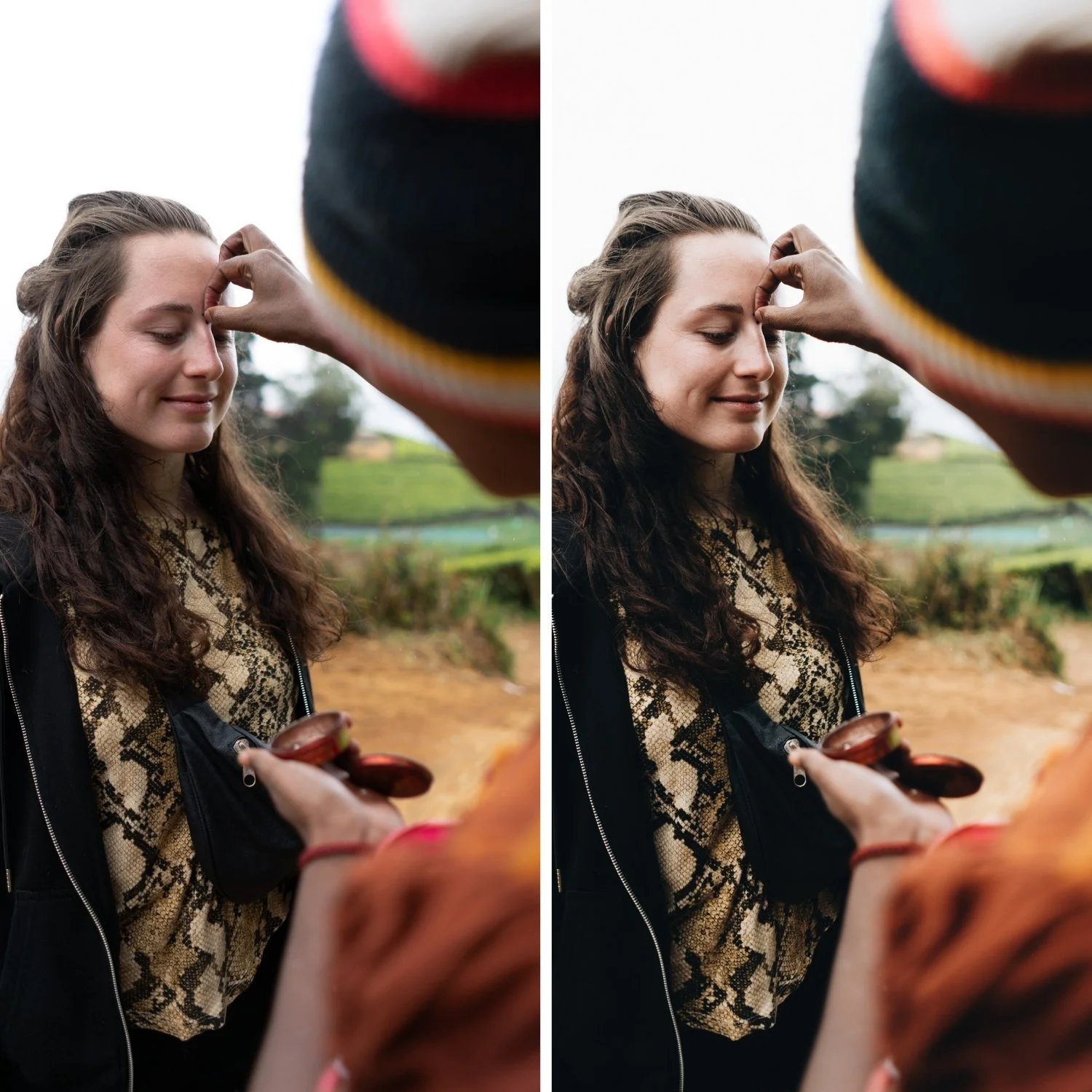
The original cinema application of warm/cool separation was subtle. Colorists used it to add dimension and guide the viewer's attention toward skin tones and faces. The aesthetic worked because it enhanced what was already there rather than replacing the natural color of the scene.
The problem with the over-applied version is that it does the opposite. Heavy orange saturation burns through the mid-tones and makes skin look scorched rather than warm. Heavy teal in the shadows shifts cool areas toward a blue-green that does not exist in natural light. When both are pushed to extremes, the image stops referencing any real lighting scenario and starts referencing itself as a filter. Viewers no longer see the place or the person. They see the edit.
A specific technical issue is over-separation. When shadows are pushed far into teal and highlights far into orange simultaneously, the distance between tonal ranges becomes exaggerated. Whites shift toward cyan. Greens become unnatural. Objects that should read as neutral grey start picking up the hue cast of whichever color grading channel is nearest. The image reads as manufactured rather than captured.
What Makes the Modernized Version Work
The underlying color theory of warm-cool separation is not the problem. Separation and depth are good things. The issue is intensity. A modernized approach to the same principle applies the warmth and the cool at a much lower saturation level and in a much more targeted way.
Specifically, this means placing warmth in the highlights rather than globally warming every tonal range. Using Color Grading to push Highlight Hue toward 40-50 with a Saturation value of 5-12 creates warmth that lives in the bright parts of the image without contaminating midtones and shadows. The result reads as golden light rather than a warm filter. Meanwhile, shadow grading at low saturation (3-8 maximum) adds depth without the visible teal that makes the heavy version so recognizable.
The other significant change is orange saturation in the HSL panel. Most dated teal and orange edits have Orange Saturation at 0 or above. Reducing it to -10 through -25 keeps skin tones warm without the burnt quality. Paired with a slight increase in Orange Luminance, this produces skin that reads as naturally warm and healthy rather than orange and overprocessed.
The Specific Adjustments That Update the Look
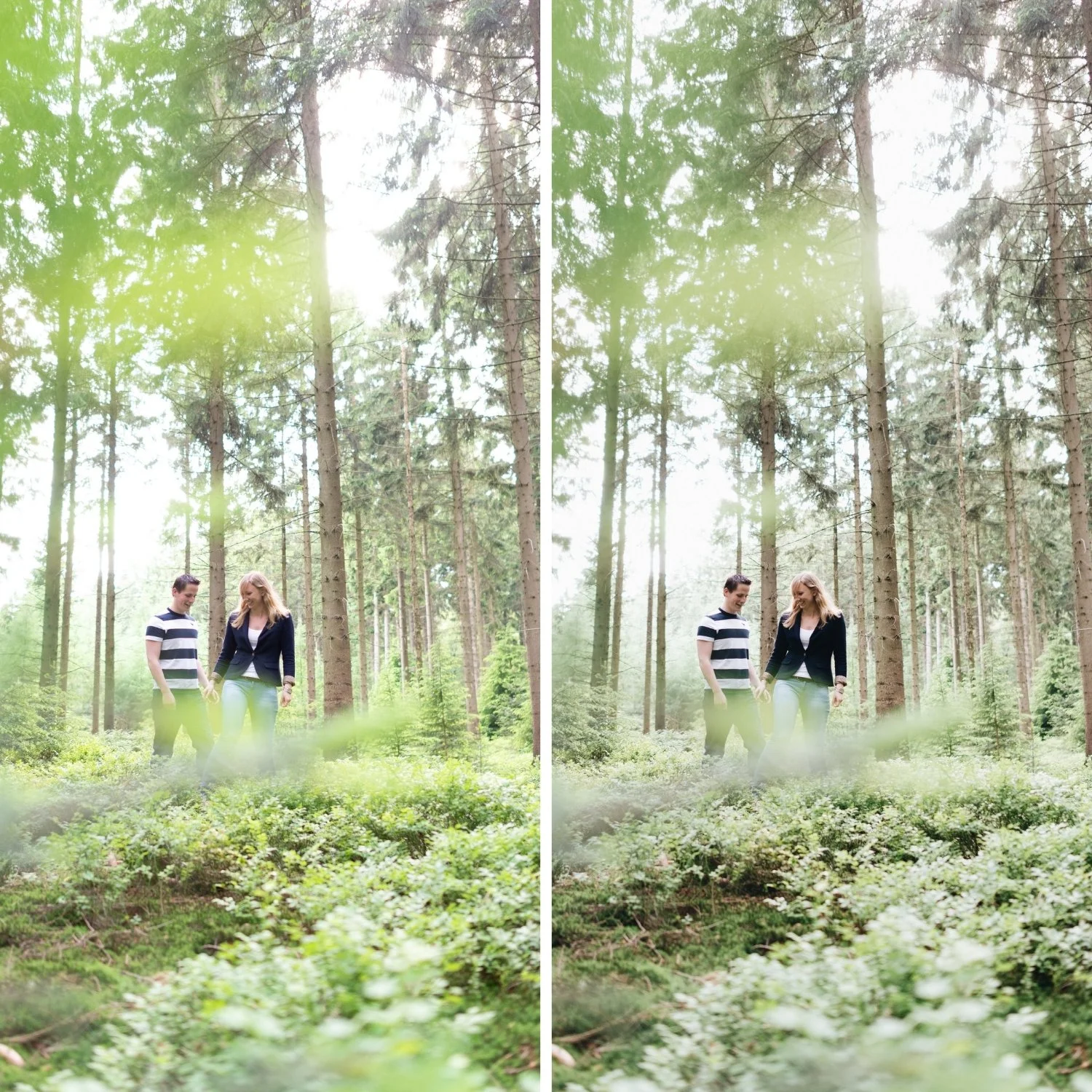
Green and aqua channels. Heavy teal grading often pushes foliage into an unnatural cyan-green. Reducing Green Saturation by -10 to -20 and making a slight Hue shift toward yellow brings outdoor scenes back to a more organic, sun-touched quality. For a broader look at how this fits into the complete analog workflow, How to Create a Natural Film Look in Lightroom covers the full process. This single adjustment changes how expensive travel photography feels more than almost any other.
Contrast structure. Many teal and orange edits rely on heavy global contrast to increase visual impact alongside the color. Modern cinematic grading uses a soft tone curve instead of the Contrast slider. A gentle S-curve that brings down the lower midtones slightly and lifts the upper midtones slightly, while protecting the highlight point, creates the same sense of depth without the harshness.
Blue channel in skies. Reducing Blue Saturation by -5 to -20 in the HSL panel keeps skies from going electric. Natural skies have a softness to them, particularly in warm outdoor photography. Pushing Blue Saturation amplifies the digital quality of the image rather than referencing the behavior of film.
When Warm-Cool Separation Still Works
Teal and orange as a concept is not retired. It still works in specific contexts: urban night photography where artificial lighting creates genuine warm-cool contrast, controlled studio work where the lighting itself references the warm-cool split, and architectural photography in twilight conditions. In all of these scenarios, the look feels appropriate because the separation already exists in the scene and the edit enhances rather than invents it.
The shift is from using warm-cool separation as a universal solution to using it as a context-specific tool. When the ambient conditions already create the contrast, a light application of the same direction in post reads as natural. When the conditions do not create the contrast and the edit forces it from scratch, the result reads as filtered.
The Difference Between Cinematic and Exaggerated
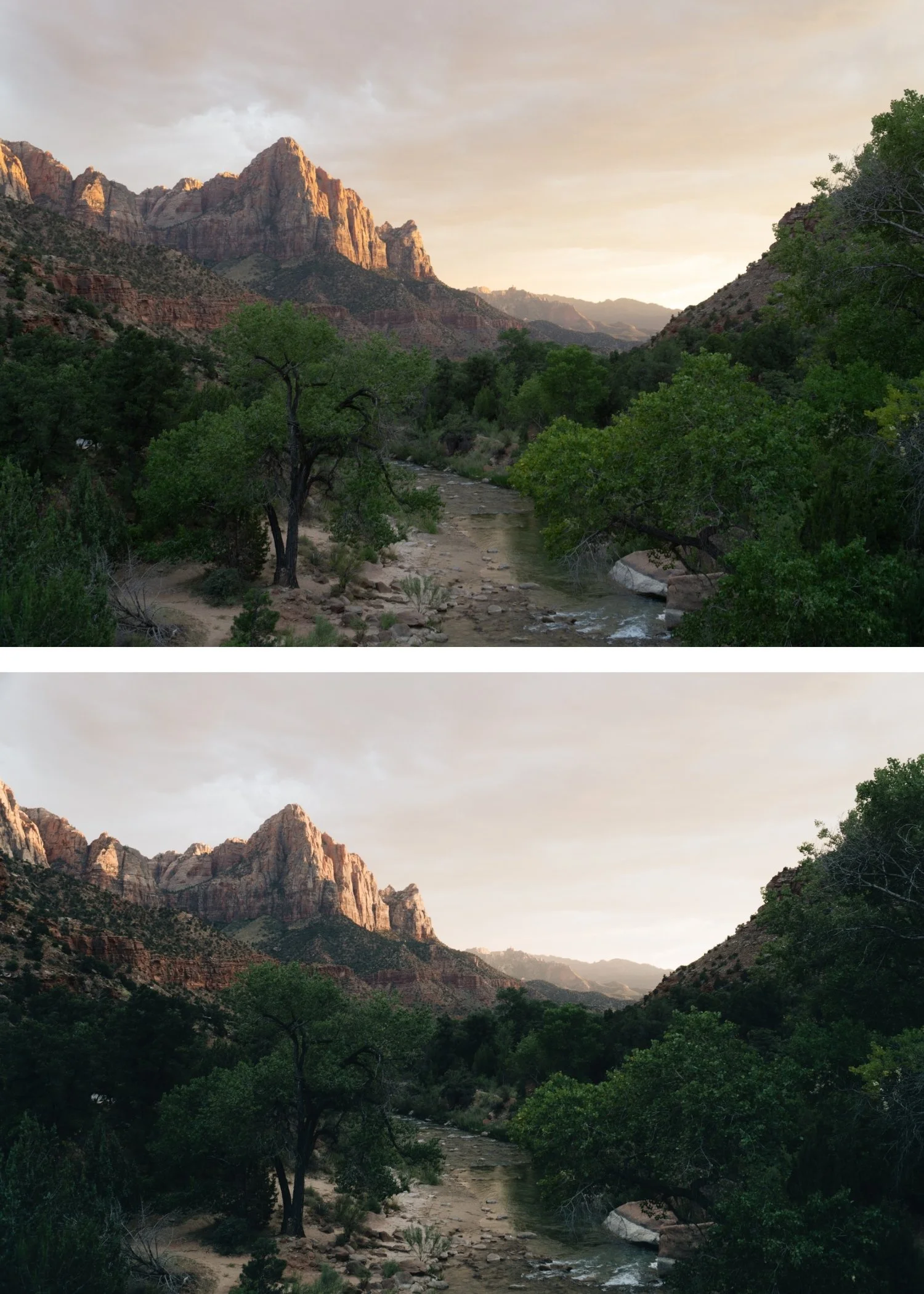
Cinematic color grading in professional film work has always been more restrained than the social media version. Watch a contemporary film carefully and notice that the color separation is present but rarely obvious. Skin tones read as warm and dimensional. Shadows have cool depth without being visibly teal. The color work is doing something to the image without drawing attention to itself.
That restraint is the goal. The test is whether a viewer notices your color grading before they notice the subject. If the answer is yes, the grading is too strong. If the answer is no, the grading is doing its job.
FAQ
Is teal and orange completely outdated?
The heavy, over-saturated version reads as dated because it became immediately recognizable as a specific era of preset editing. Subtle warm-cool separation at low saturation still works and will continue to work because it references real color relationships.
Why does my teal and orange edit look fake?
The most common cause is both channels pushed too far simultaneously. Try reducing both Orange Saturation in HSL and the Shadow Saturation in Color Grading, then assess. If only one element is strong, it usually reads as a deliberate lighting choice rather than an obvious filter.
How much teal is too much?
A practical test: view your image at normal size on a phone screen. If shadows are visibly blue-green at that scale, the teal is too strong for anything other than a very deliberate stylistic context.
Does reducing saturation make images look washed out?
Reducing specific channel saturation while maintaining correct Luminance values does not wash out the image. The distinction between restrained color and flat color is covered in detail in How to Balance Contrast for a Soft Analog Look, which explains how tonal structure preserves depth alongside reduced saturation. The difference between restrained color and flat color is whether the Luminance levels maintain depth alongside the reduced saturation.
Want to try a calibrated warm film base on your own photos?
Download the free Analog Film preset and experiment with low-saturation Color Grading warmth in the highlights. Notice how the warmth reads as light rather than as a filter.
For photographers who want a full collection built around balanced warm-cool separation without the dated qualities, the Glow Portrait Archive was designed around subtle cyan depth, controlled warmth, and stable skin tones.
