Best Film Presets for Android Photography (2026)
All Lightroom Mobile film presets work on Android — the same DNG files that work on iPhone install identically on Samsung, Pixel, OnePlus, and every other Android phone. The difference is in how Android phones process images before Lightroom sees them, and one quick setting change that makes every preset look significantly more natural.
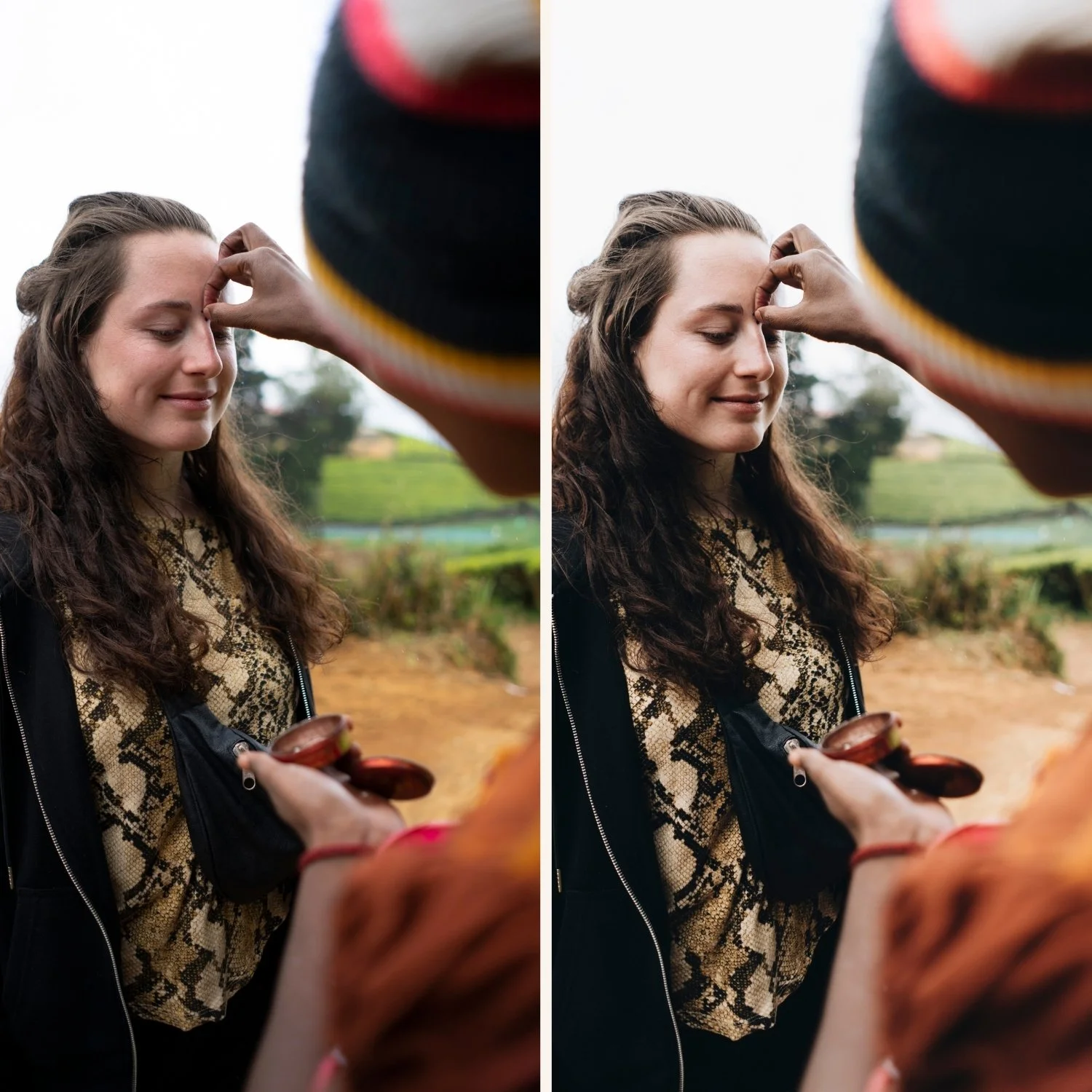
The Android preparation step
Before applying any film preset on an Android photo, change the Camera Calibration profile in Lightroom.
Go to the Camera Calibration panel at the bottom of the editing panel. Change Profile from Adobe Color to Camera Standard.
This applies your phone's native color science as the starting point. Samsung phones in particular render significantly better with Camera Standard — the colors are more natural and presets work more as intended.
This single adjustment takes 10 seconds and improves every preset on every Android photo.
Best film presets for Android by phone brand
Samsung
Samsung applies HDR processing and vivid color enhancement that can fight against film preset quality. The most compatible presets are clean and neutral rather than vivid.
Best for Samsung: A6 Clean Portrait, A3 Heritage Fade, V1 Classic Film. All three are calibrated on clean film foundations that complement rather than amplify Samsung's vivid processing.
Avoid on Samsung: Very warm or very vivid presets at full strength. C8 Sun-Drenched at 100% on a Samsung HDR photo often looks oversaturated. Reduce to 65-70% and the quality improves significantly.
Google Pixel
Pixel phones have the most neutral, film-friendly color science of any Android phone. Pixel's computational photography is less aggressive than Samsung's and closer to what film presets assume.
Best for Pixel: Any preset in the shop works well on Pixel. V1 Classic Film, A6, M4, E6. The neutral Pixel processing gives film presets maximum latitude.
Pixel-specific tip: Pixel's color science is so neutral that presets often look best at 90-95% rather than the 75-80% recommended for Samsung.
OnePlus and other Android
Processing varies by phone and Android skin. Start with Camera Standard in Camera Calibration, apply preset at 80%, and adjust from there based on your specific phone's rendering.
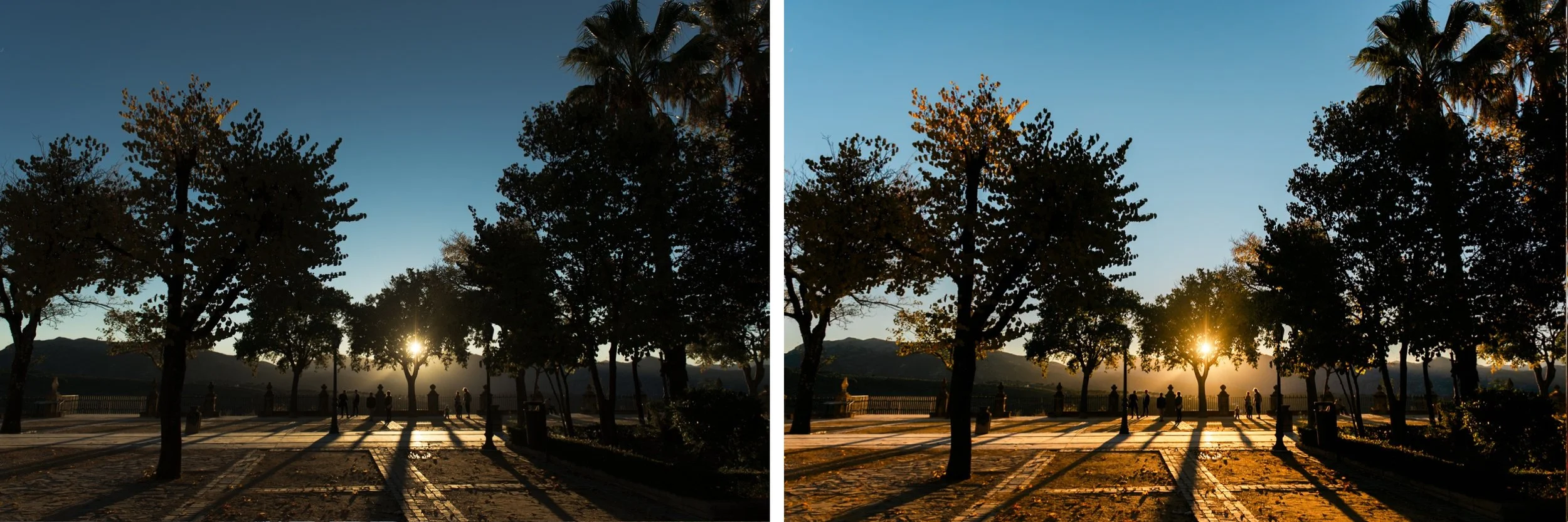
Best film presets for Android by photography type
Everyday lifestyle: A6 Clean Portrait or V1 Classic Film. Clean, natural, versatile.
Warm travel: California Archive C1 or C7. Apply at 75-80% on Samsung, 90% on Pixel.
Moody atmospheric: M4 Moody Classic or V4. Android's slightly flat HDR processing suits moody presets because the HDR lift creates a good shadow base for the moody quality to work on.
Portraits: G1 Clean Glow. Calibrated for natural skin across skin tones — important on Android where skin processing varies significantly between brands
How to install presets on Android
Download the DNG preset file to your Android phone
Open Lightroom Mobile
Tap + and import the DNG file
Open the DNG, tap three dots, Copy Settings
Create Preset, name and save
Full guide: How to Install Lightroom Presets on Android
Free Android film preset
FAQ
Why do presets look different on Samsung vs Pixel?
Samsung applies more aggressive HDR processing and color enhancement than Pixel. Pixel's processing is more neutral and closer to camera RAW. Use Camera Standard profile on both, but expect better out-of-the-box results on Pixel.
Do I need a Lightroom subscription for presets on Android?
No. Preset installation and use is free in Lightroom Mobile on Android.
Why do my presets look flat on Android?
Usually caused by Samsung's HDR processing compressing the tonal range before Lightroom sees it. Change Camera Calibration to Camera Standard and check that white balance is correct before applying. Full troubleshooting: Why My Presets Look Flat on Android
Related guides
How to Edit Android Photos in Lightroom Mobile
Why My Presets Look Flat on Android
Best Android Camera Settings for Film LookLightroom Mobile Film Editing Guide
Best Lightroom Presets 2026
