Best Lightroom Presets for Christmas Photography 2026
Best Lightroom Presets for Christmas Photography 2026
Christmas photography editing has a specific atmosphere to capture: warm, glowing, cozy. Twinkling lights against dark backgrounds, warm interior scenes, snow in cold outdoor light. The editing needs to enhance that warmth without making photos look orange or artificially festive.
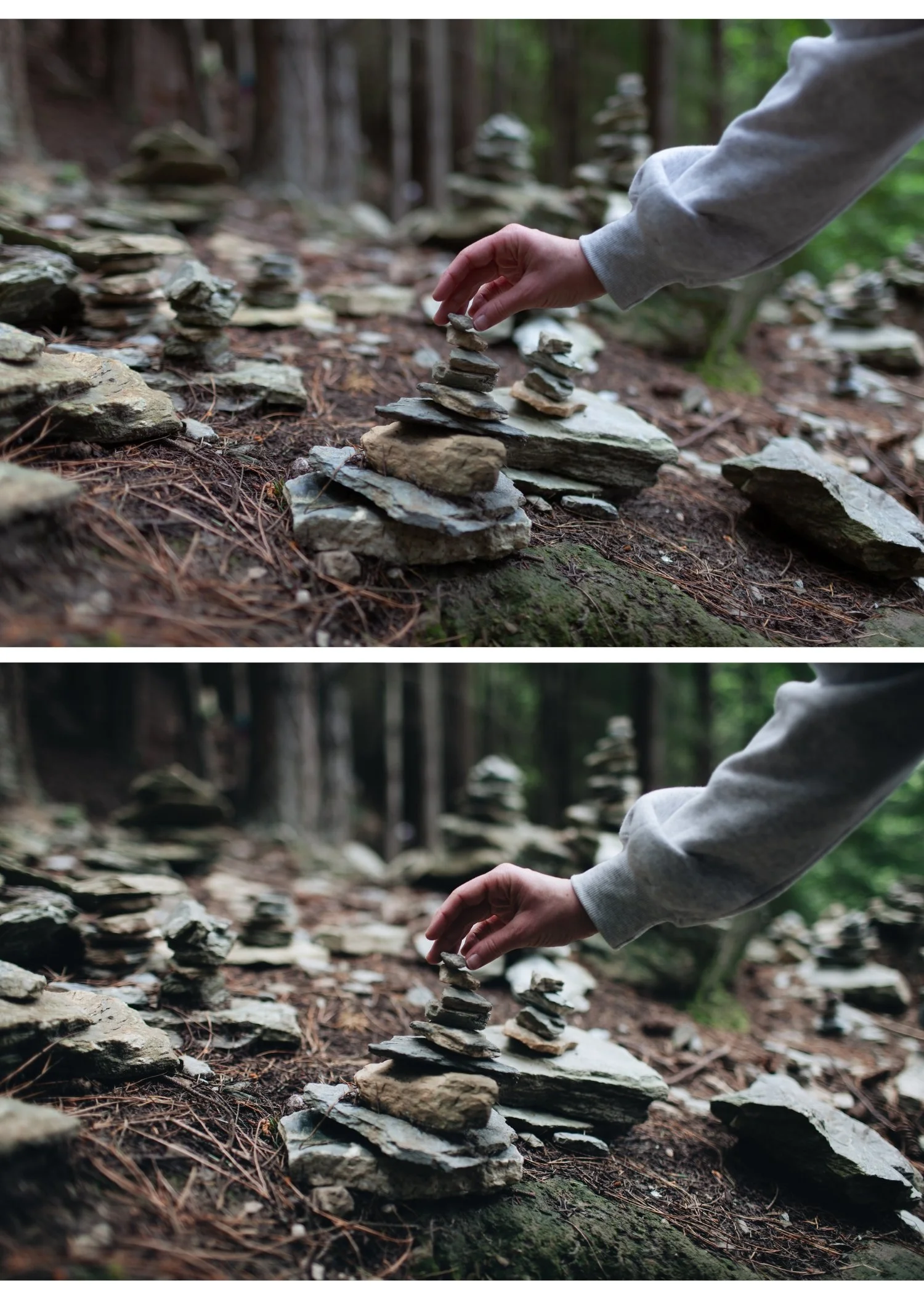
Christmas photography scenarios
Christmas lights and bokeh
The challenge is exposing for both the lights and the dark background. Pull Highlights hard (-40 to -50) to prevent light sources from blowing out while lifting Shadows (+20 to +25) for the dark areas.
Best preset: Moody Film Archive M5 or Vesper V6 Dark Atmospheric. The warm shadow toning enhances the glowing light quality.
Indoor Christmas scenes
Warm tungsten lighting from candles and Christmas lights. Set white balance to 3,000-3,500K before applying any preset. Moody Film Archive M4 or Essence Archive E8 Dark Heritage add atmospheric depth to warm indoor scenes.
Family Christmas portraits
Essence Archive E2 Rich Warm or E6 Soft Heritage for warm, flattering family portraits. The heritage quality suits the timeless, emotional character of Christmas family photography.
Outdoor winter Christmas
Cold, clean outdoor light. Analog Film Archive A6 for clean natural winter light. Or Bright and Clean Archive S1 for a crisp, clean winter quality. Keep Temperature slightly cool — Christmas outdoor scenes should feel cold, not warm.
Snow photography
Snow requires specific handling. Pull Whites -25 to -35 and Highlights -35 to -45 to keep snow white and detailed. Bright and Clean Archive S4 Pure Light or Analog Film Archive A2 Bright Minimal work well for snow scenes.
Warm Christmas atmosphere in Lightroom
For the signature warm Christmas glow of indoor candlelit and Christmas light scenes:
Color Grading: Shadows: warm amber (hue 30-45, saturation 20-25). Highlights: slightly warm (hue 40-50, saturation 8-12). This creates the specific warm-glow quality of Christmas light photography.
Reduce Blue Saturation: -15 to -20. Christmas light scenes often have cool blue shadows that compete with the warm light quality. Reducing blue creates a more uniformly warm atmosphere.
The Moody Film Archive for Christmas
The warm atmospheric depth of M4 and M5 suits Christmas photography naturally. The warm Color Grading in shadows enhances the glowing quality of Christmas lights.
EXPLORE THE MOODY FILM ARCHIVE
FAQ
How do I edit Christmas lights in Lightroom?
Pull Highlights -45 to -50 to prevent light sources from blowing out. Lift Shadows +20 to +25 for the dark background areas. Add warm Color Grading to shadows to enhance the glowing atmosphere.
What is the best Lightroom preset for indoor Christmas photos?
Moody Film Archive M4 or M5 for atmospheric depth in warm indoor scenes. Essence Archive E8 Dark Heritage for very dark reception-style Christmas lighting. Both add warm cinematic quality that enhances the glow of Christmas lights without making the scene look artificially warm.
How do I keep Christmas portraits looking natural with warm holiday lighting?
Set white balance manually to the dominant light source temperature (3,000-3,500K for warm bulbs) before applying any preset. Then check Orange Saturation in Color Mix — keep at 0 to +5. Orange Luminance +12 to +15 keeps skin bright and warm without pushing orange.
Why do my Christmas photos look too orange?
Usually caused by warm indoor lighting combined with a warm preset applied without white balance correction first. Set Temperature to 3,000-3,500K before applying the preset. If photos still look too warm after correction, reduce Orange Saturation -5 to -10 in Color Mix.
Can I use the same preset for indoor and outdoor Christmas photos?
Use different variants from the same collection. Indoor Christmas needs warm presets (M4, M5, E8). Outdoor winter Christmas needs neutral to cool presets (A6, S1) because the natural light is cold and a warm preset fights against it. The Analog Film Archive covers both scenarios with different variations.
