Is Tezza Free? Pricing Explained for 2026
Is Tezza Free? Pricing Explained for 2026
Tezza is free to download and includes a limited free tier. The preset library, video tools, and templates that the app is known for require a subscription.
Pricing changed in 2026 and now differs between iPhone and Android, which is a common source of confusion when photographers compare notes.

What Tezza Costs in 2026
On iPhone there are two paid tiers. Tezza Pro at approximately $6.99 per month or $39.99 per year. Tezza Luxe at approximately $9.99 per month or $59.99 per year.
On Android the structure is simpler, with a single subscription at approximately $5.99 per month or $39.99 per year covering photo and video editing.
Annual billing is substantially cheaper than monthly on both platforms. Prices vary by region and change. Confirm in the app before subscribing.
What the Free Tier Includes
The free version gives you basic editing tools and a small selection of presets. You can edit and export without paying.
What it does not include is the full preset library, video editing and effects, story templates, the collage tools, the feed planner, and batch editing.
The free tier functions as a preview rather than a working tool for most people. Tezza's appeal is the curated preset library and the template system, and both sit behind the paywall.
Pro Versus Luxe
Pro covers the core offering: the full photo preset library, video presets and effects, story and collage templates, and the feed planning tools.
Luxe adds further content and features on top at roughly fifty percent more cost. Whether that additional content justifies the difference depends entirely on how much of it you would actually use, which is worth assessing during the trial rather than assuming.
For most creators using Tezza for Instagram content, Pro covers what they need.
Comparing the Real Annual Cost
Because the tiers differ by platform, comparing what you actually pay is worth doing before subscribing.
On iPhone at Pro level, annual billing costs roughly $39.99 for the year against roughly $83.88 if you pay monthly across twelve months. That is a difference of more than forty dollars for identical access.
At Luxe level, annual is roughly $59.99 against roughly $119.88 monthly.
On Android, annual is roughly $39.99 against roughly $71.88 monthly.
Monthly billing only makes sense for a short defined project. For ongoing use, annual is substantially cheaper and most subscribers end up there.
The consequence is that a trial usually converts into a twelve month commitment. Cancel during the trial if you are undecided rather than letting it roll.
What You Are Actually Paying For
It helps to separate what Tezza charges for into two categories.
The presets are the smaller part of the value. They are competent film inspired looks applied to JPEGs, and comparable looks exist in free and one time purchase form elsewhere.
The templates and planning tools are the larger part. Story layouts, collage templates, the feed planner, and the video effects are genuinely time saving for someone producing Instagram content daily, and they have no direct equivalent in a photo editing app.
If you are paying for the presets, you are paying a subscription for something you could own outright. If you are paying for the templates and planner, you are paying for a workflow tool and the recurring cost is more defensible.
Being clear about which one applies to you makes the decision straightforward.
How to Cancel a Tezza Subscription
Cancellation happens through the app store rather than inside Tezza.
On iPhone, open Settings, tap your name, then Subscriptions, find Tezza, and tap Cancel Subscription.
On Android, open the Play Store, tap your profile icon, then Payments and subscriptions, then Subscriptions, select Tezza and cancel.
If you started a free trial, cancel immediately after subscribing. You retain access for the remainder of the trial and avoid the automatic charge.
The Limitation That Matters for Photographers
Tezza does not support RAW files. All editing happens on JPEGs.
For content creators shooting on a phone and posting to Instagram, this is irrelevant. The phone produces a JPEG and Tezza edits it.
For photographers shooting on a dedicated camera, it is a genuine constraint. A RAW file holds substantially more highlight and shadow information than the JPEG derived from it, and film aesthetics depend on that latitude. The soft highlight roll off that makes a film edit convincing requires actual highlight data to shape. Highlight Roll-Off Explained covers why the file format determines what is achievable.
For a fuller comparison of what each format gives you, HEIC vs JPEG vs ProRAW covers the differences on mobile specifically.
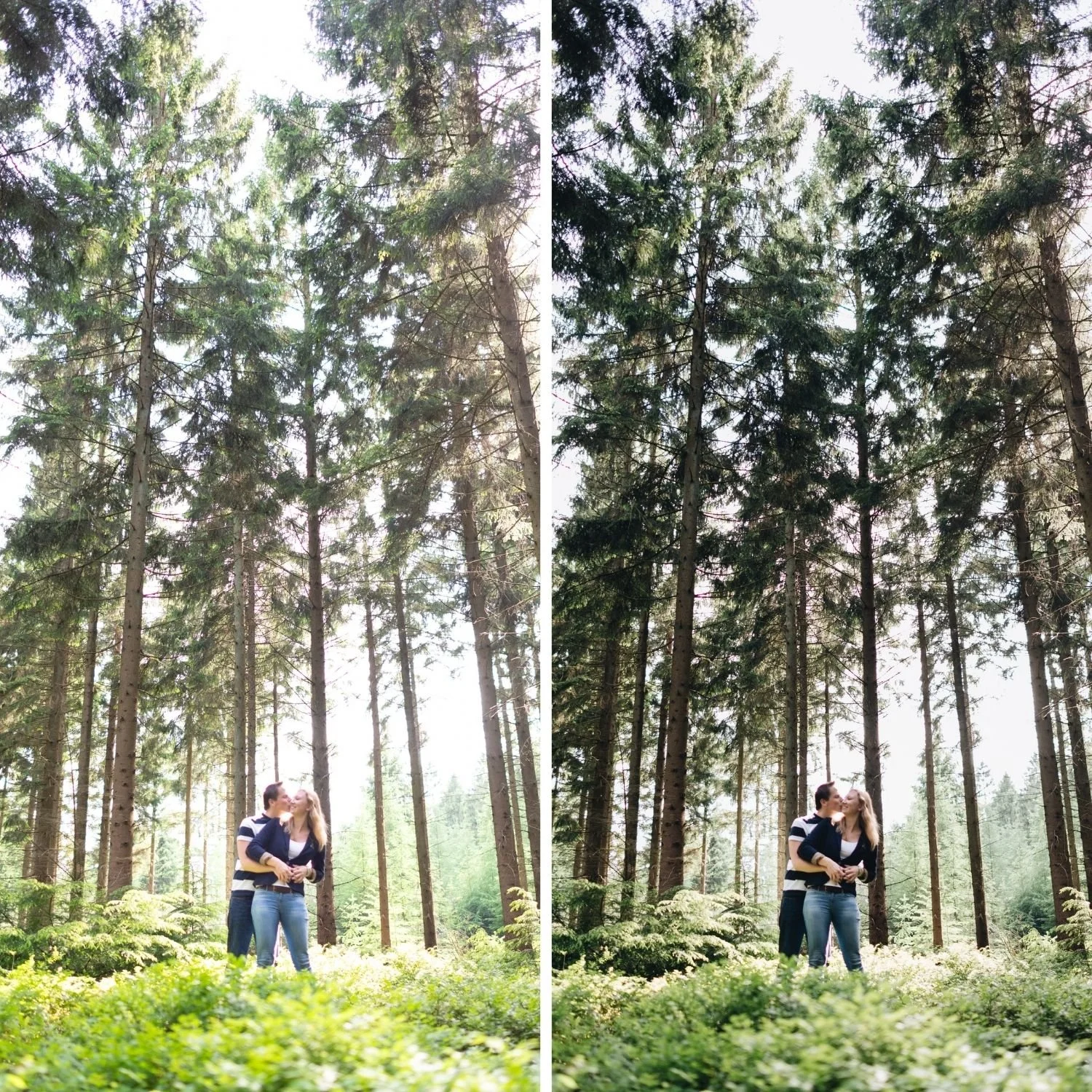
Subscription Versus Ownership
The structural question with any app subscription is what happens when you stop paying.
With Tezza, access ends. The presets are proprietary to the app and do not transfer anywhere. Photographs you already exported remain yours, but the editing capability stops.
Lightroom presets work differently. A preset file is yours permanently, works on both mobile and desktop, and continues functioning regardless of any subscription status. Lightroom Mobile itself is free for preset installation and application.
At $39.99 per year, a Tezza subscription costs more over three years than most complete Lightroom preset collections cost once. Are Lightroom Presets Worth Buying covers that comparison honestly, including the situations where a preset collection is the wrong choice.
What Tezza Does Well
It is worth being clear that Tezza is good at what it does.
The template system for stories and collages is genuinely faster than building the same layouts manually. The feed planner is useful for creators who plan grids in advance. The video presets are more accessible than equivalent work in a video editor.
If your output is Instagram content produced on a phone and you value speed and templates over tonal control, Tezza is a reasonable purchase.
If your output is photography and you want control over colour channels and tonal curves, a mobile template app is the wrong tool regardless of price. Best Film Presets for Lightroom Mobile covers the mobile alternative that keeps the control.
FAQ
Why do iPhone and Android prices differ?
Tezza structures its tiers differently per platform. iPhone has Pro and Luxe. Android has a single subscription. Check your own store rather than relying on a figure from someone on the other platform.
Can I use Tezza presets in Lightroom?
No. Tezza presets are proprietary to the app and do not export in any format Lightroom reads.
Does Tezza work without a subscription?
Yes, with a limited preset selection and without templates, video tools, or the feed planner.
Try a preset you own rather than rent:
Download the free Analog Film preset and install it in the free version of Lightroom Mobile. Both are free and the preset remains yours permanently.
For a complete collection with no recurring cost, the Studio Archive at $89 includes 130 presets and every future release.