Is VSCO Free? Pricing Explained for 2026
Is VSCO Free? Pricing Explained for 2026
VSCO has a free tier, but the version most people mean when they talk about VSCO is not free. The confusion is understandable because the app downloads for nothing, opens without a paywall, and lets you edit immediately. The limits appear once you want the preset library that made the app popular in the first place.
Here is what each tier costs in 2026 and what changes between them.

The Short Answer
VSCO is free to download and use with a limited set of tools and presets. Full access requires a subscription.
There are now four tiers. The free Starter plan. Plus at roughly $29.99 per year. Pro at roughly $59.99 per year when billed annually, or around $12.99 per month if you pay monthly. And a premium tier aimed at professional studios that costs around $499.99 per year.
Prices vary by region and change periodically. Check the app before subscribing.
What the Free Tier Actually Includes
The free plan gives you the core editing tools and a small selection of presets, typically around fifteen. You can edit, export, and share without paying anything.
What it does not include is the full preset library, RAW file support, video editing, and the ability to save custom preset combinations.
The free tier is genuinely usable rather than a crippled demo. For casual editing on a phone it is sufficient. The moment you want a specific film look that is not in the free selection, you hit the wall.
VSCO Plus
Plus costs approximately $29.99 per year, which works out to around $2.50 per month. This is the tier most photographers actually use.
It unlocks the full preset library of over 200 filters, adds RAW file support, includes video editing tools, and lets you save custom Recipes, which are your own combinations of adjustments applied with one tap.
RAW support is the most significant addition for anyone shooting on a dedicated camera. Without it you are applying presets to compressed JPEGs, which limits how much tonal latitude the preset has to work with. HEIC vs JPEG vs ProRAW covers why the file format changes what a preset can do.
VSCO Pro
Pro costs approximately $59.99 per year billed annually, or around $12.99 per month if you pay month to month. The annual saving is substantial.
Pro includes everything in Plus and adds AI editing tools including object removal and image upscaling, client galleries with password protection, expanded storage, and a portfolio website.
Pro is aimed at working photographers rather than casual users. If you are not delivering to clients or publishing a portfolio, the additional features over Plus are unlikely to justify doubling the cost.
The Premium Studio Tier
In mid 2026 a further tier launched at around $499.99 per year, aimed at professional photographers running a business.
It bundles studio management and client relationship tools including lead tracking, contracts, invoicing, booking, and automated workflows, alongside everything in Pro.
For most photographers this is not a photo editing decision. It is a business software decision that happens to include photo editing. If you already pay for separate CRM and invoicing tools, the comparison is against those costs rather than against Plus or Pro.
Which Tier Most People Actually Need
Working through the tiers by use case rather than by feature list makes the decision clearer.
If you edit occasionally on a phone and post to social media, the free Starter plan covers it. The fifteen or so included presets are enough to establish a look, and you can always upgrade later.
If you edit regularly on a phone and want a consistent recognisable style across a feed, Plus is the right tier. The full preset library plus saved Recipes is the core of what makes the app useful and it sits entirely within Plus.
If you shoot RAW on a dedicated camera, Plus is the minimum because RAW support starts there. Whether you stay in a mobile app at all is a separate question worth asking.
If you deliver to clients and need galleries and a portfolio site, Pro. If you already have a portfolio site and a delivery platform you are happy with, Pro is duplicate spend.
The premium studio tier is a business systems purchase rather than an editing one.
The Annual Versus Monthly Trap
The gap between annual and monthly billing on Pro is unusually large. Roughly $5 per month annually against roughly $12.99 monthly, which is a difference of about $95 across a year for identical access.
Monthly billing makes sense only if you genuinely intend to use the app for a short defined period, such as a single project. For anything ongoing, annual is the rational choice.
The consequence is that most people commit to a full year, which is worth knowing before starting a trial. Cancel during the trial if you are unsure rather than defaulting into twelve months.
How to Cancel
You cannot cancel a VSCO subscription inside the app. Cancellation happens through the store you subscribed through.
On iPhone, open Settings, tap your name, then Subscriptions, find VSCO, and cancel. On Android, open the Play Store, tap your profile icon, then Payments and subscriptions, then Subscriptions.
If you signed up for a free trial, cancel immediately after subscribing rather than waiting. You keep access for the full trial period and avoid the automatic charge when it ends.
Is a Subscription Worth It
The honest answer depends on what you are editing and where the photographs end up.
For mobile only editing where the output is social media, a subscription at $29.99 per year is reasonable value. The preset library is large, the app is fast, and the editing interface is well designed.
For photographers shooting RAW on a dedicated camera who want long term control, the calculation is different. A subscription is a recurring cost that stops when you stop paying. Lightroom presets are a one time purchase that you own permanently and that work on desktop as well as mobile, with the full HSL, Tone Curve, and Colour Grading control that a mobile app does not provide.
Neither is wrong. They serve different workflows. Are Lightroom Presets Worth Buying covers the honest case for and against the preset approach.
What You Cannot Do in a Mobile App
Whichever tier you choose, a mobile editing app has structural limits that matter for serious film aesthetic work.
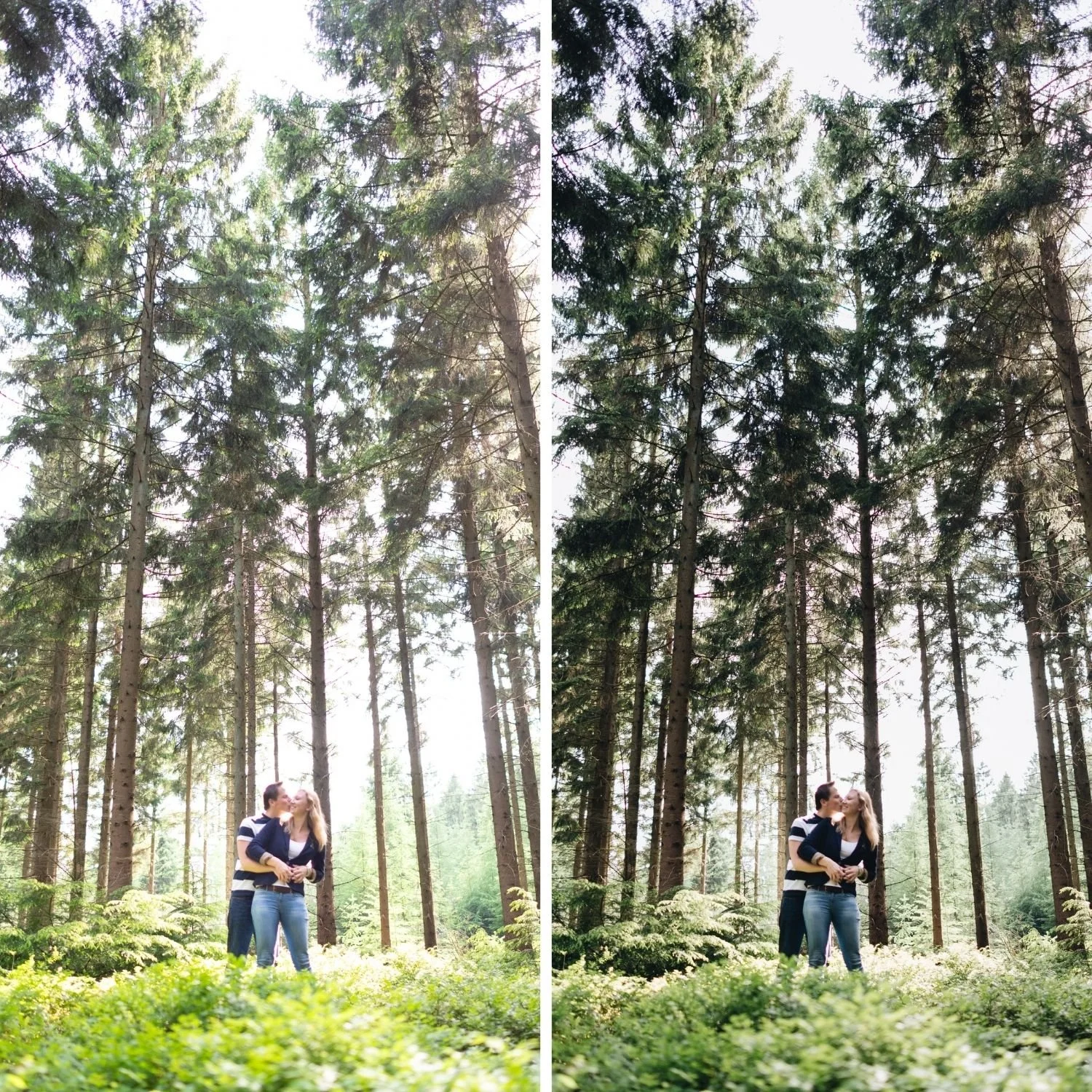
Channel level colour control is the main one. Reducing green saturation while shifting green hue toward yellow, which is the single most impactful adjustment for making outdoor photographs look organic rather than digital, requires an HSL panel with independent hue, saturation, and luminance per channel. How to Create a Natural Film Look in Lightroom covers why that control separates a convincing film look from a filtered one.
Tone Curve precision is the second. The lifted shadow floor and compressed highlight point that define film tonality need point level curve control.
Free Alternatives Worth Knowing
Snapseed is completely free with no subscription, no in app purchases, and no ads, and it received a major update in 2026 that added batch editing and masking. Lightroom vs Snapseed compares it against the Lightroom approach.
Lightroom Mobile is free for its core feature set including preset installation and application. You can install and use film presets without any subscription at all.
FAQ
Is VSCO free forever or is it a trial?
The Starter plan is permanently free. Plus and Pro offer a seven day trial that converts to a paid subscription automatically unless cancelled.
Can I get VSCO presets without paying?
The free tier includes a limited selection. The full library requires Plus or Pro.
Does VSCO refund subscriptions?
Subscriptions are managed by Apple or Google rather than by VSCO directly, so refund requests go through the relevant app store.
Try a free film preset with no subscription:
Download the free Analog Film preset and install it in the free version of Lightroom Mobile. No subscription required for either the preset or the app.
For a complete film preset collection you own permanently rather than rent, the Studio Archive at $89 includes 130 presets with every future release included.