Best Film Presets for Low Light Photography
Best Film Presets for Low Light Photography
Low light is where most film presets stop working. A preset calibrated for bright outdoor daylight applied to a dim indoor scene produces muddy shadows, amplified sensor noise, and skin tones that shift toward orange under warm artificial lighting. The preset was designed for a starting file with clean tonal separation and abundant highlight detail. A low light file has neither.
Understanding what low light photography specifically needs from a preset is the difference between an evening gallery that looks atmospheric and one that looks like a series of technical compromises.
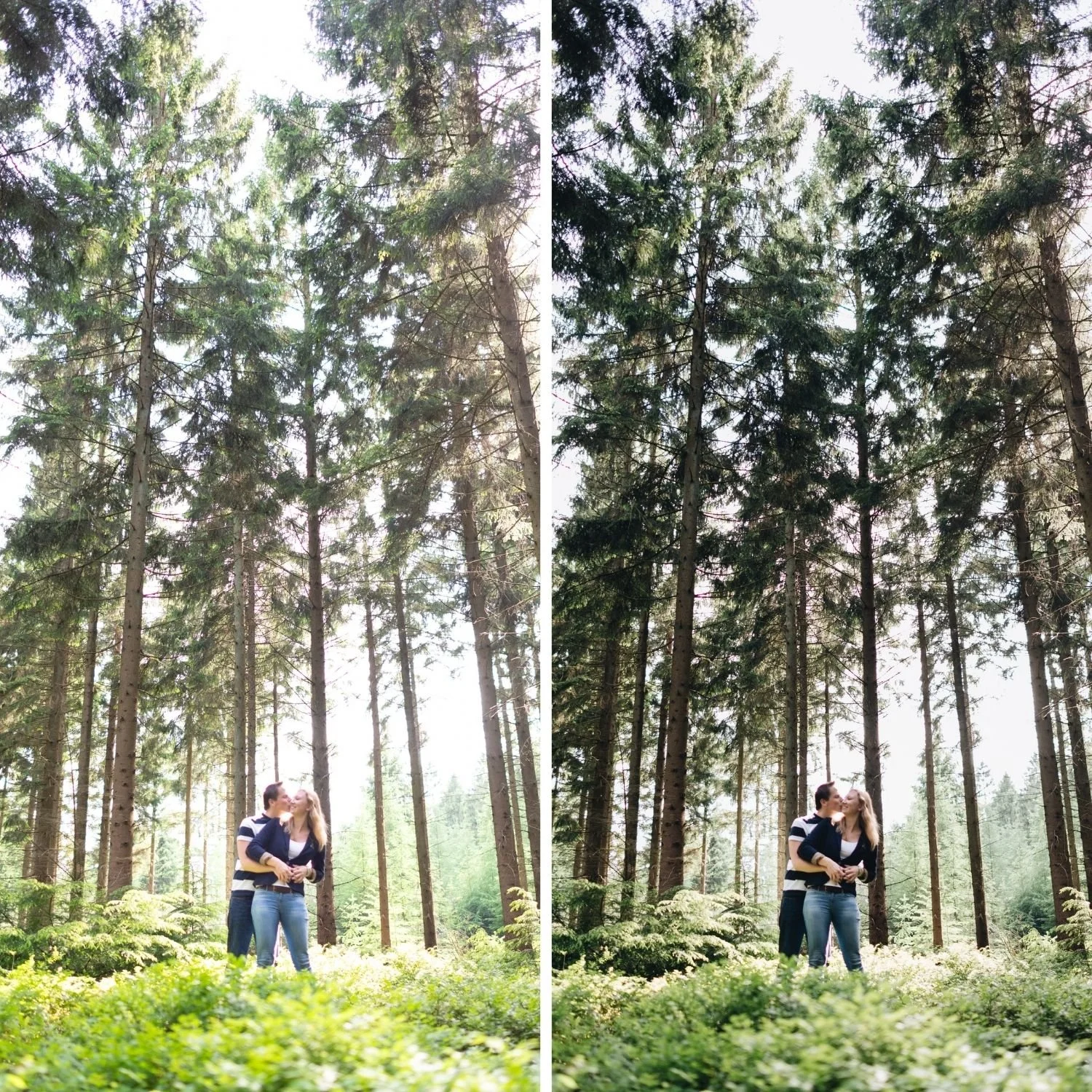
Why Low Light Breaks Most Presets
Three properties of low light files cause presets to fail. The first is compressed tonal range. In bright daylight, a well exposed file has detail spread across the full histogram. In low light, most of the tonal information sits in the lower half of the range, with little in the highlights. A preset that lifts shadows and protects highlights is working with a file where the shadow range contains nearly everything and the highlight range contains almost nothing.
The second is sensor noise. Low light photographs require higher ISO settings, which introduces luminance and color noise in shadow areas. When a film preset adds grain on top of existing sensor noise, the two textures conflict rather than integrate. The result reads as a noisy digital photograph with grain applied rather than as film photography.
The third is artificial light color. Indoor and evening photography is lit by tungsten, warm LED, sodium vapor street lighting, or mixed sources. These have color temperatures and color casts that differ substantially from daylight. A preset calibrated with warm Color Grading applied on top of already warm artificial light produces orange skin and yellow whites.
What a Low Light Film Preset Needs to Do
Shadow depth management is the primary requirement. Low light photography lives in the shadow range, which means the shadow calibration determines whether the result reads as atmospheric or as underexposed. The Tone Curve shadow point should be lifted to output 18 to 25, higher than for daylight photography, to prevent the extensive dark areas from crushing to featureless black. The specific mechanics of shadow floor construction are covered in Understanding Color Curves for Film Editing.
Restrained grain is the second requirement. Where daylight film editing benefits from grain at Amount 18 to 26, low light editing needs less because the sensor noise is already providing texture. Grain at Amount 10 to 16 with Size 20 to 26 adds film character without compounding the existing noise. Apply noise reduction before adding grain so the two textures work together rather than against each other. The Role of Grain in Film Emulation covers the calibration ranges for different starting conditions.
Warm light management is the third requirement. Under tungsten and warm LED, the Orange channel needs more aggressive reduction than in daylight, typically negative 18 to negative 25 rather than the negative 10 to negative 15 that daylight requires. Orange Luminance should increase by positive 10 to positive 15 to keep skin present within the reduced saturation.
The Collections That Handle Low Light Well
The Moody Film Archive is the collection built specifically for underexposed and low light conditions. M6 Warm Matte is the most directly applicable preset for warm indoor ambient. The warm shadow character suits candlelit venues, warm interior scenes, and evening portrait sessions where the ambient warmth is part of the aesthetic rather than a problem to correct. M1 Moody Original handles more neutral low light conditions where the ambient is cooler or mixed.
The Vesper Archive V6 Dark Atmospheric is calibrated for the darkest end of the Vesper range. It suits low light travel photography, evening street work, and indoor venue photography where the atmospheric quality is the intended result rather than a compromise.
For low light black and white, the X Archive X2 Deep Shadow and X6 Grain Forward both reference the tradition of pushed film photography in available light. The visible grain that reads as excessive in bright conditions is exactly appropriate for the low light documentary register.
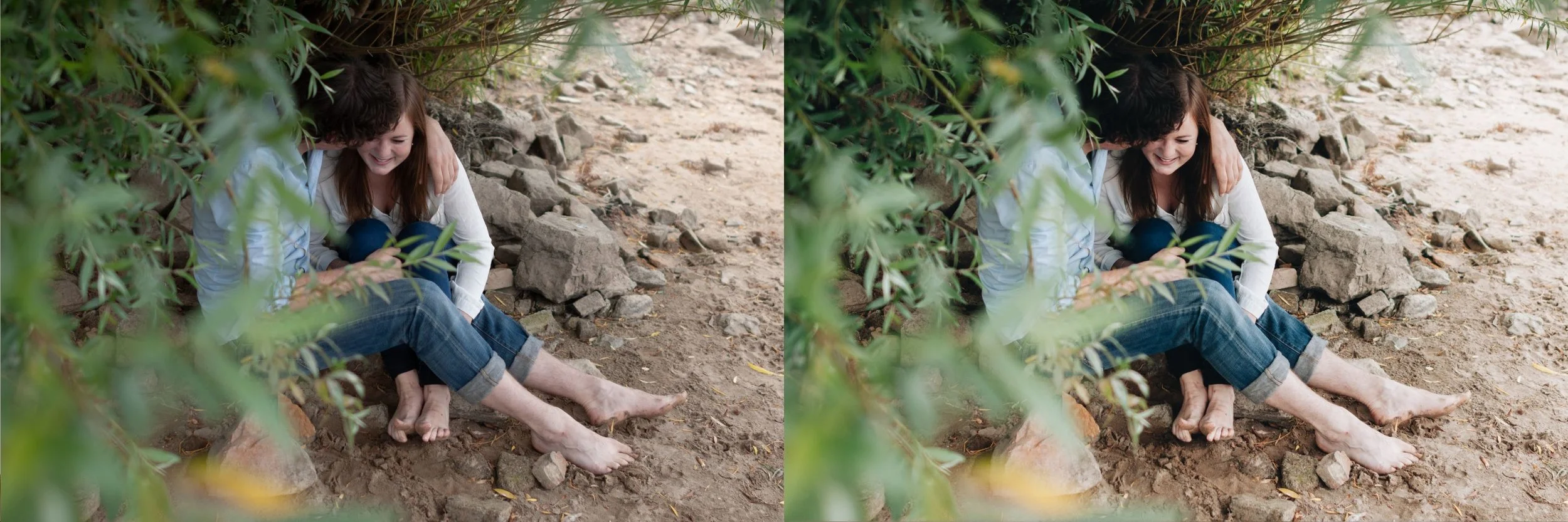
The Low Light Workflow
Start with noise reduction before applying any preset. In the Detail panel, set Luminance Noise Reduction to 25 to 40, Luminance Detail to 60 to 70, and Color Noise Reduction to 25 to 35. This creates a clean surface for the preset and its grain to work with.
Correct white balance to the dominant light source before applying. For tungsten venues, 3,200 to 4,000K. For warm LED, 3,800 to 4,500K. For mixed sources, correct to whichever source is illuminating your primary subject. Getting both Temperature and Tint right matters more in artificial light than in daylight, as covered in Color Temperature vs Tint Deep Dive.
Apply the preset, then assess Exposure. Low light photographs frequently need a small positive Exposure adjustment after the preset because the preset's shadow handling makes the image read darker than the unadjusted file. Adjust in small increments of positive 0.1 to positive 0.2 rather than large corrections.
If the starting file is significantly underexposed rather than simply dark, the recovery sequence matters. Underexposed RAW to Film Edit covers the specific order of operations that prevents noise amplification from ruining the result.
FAQ
Can I use daylight presets for low light photography?
Daylight presets can work in low light with adjustments: reduce grain, increase Orange Saturation reduction, and lift the shadow point further. A preset calibrated specifically for low light produces better results with less per photograph work.
How much noise reduction is too much?
Noise reduction above Luminance 50 begins removing genuine detail alongside noise, producing a plastic, smoothed quality in skin and texture. Stay below 45 for most low light work.
Does shooting RAW matter more in low light?
Significantly. Low light JPEG files have already had noise reduction and tone mapping applied by the camera, which limits how much the shadow range can be adjusted. RAW preserves the shadow information that low light editing depends on.
Try a low light film approach on your evening photographs:
Download the free Analog Film presetand apply the noise reduction and white balance corrections described above before applying it to a low light file.
For collections calibrated specifically for low light and atmospheric conditions, the Moody Film Archive is the most directly applicable. The Studio Archive at $89 includes it alongside every other collection.
