Best Lightroom Presets for Fujifilm Cameras 2026
Best Lightroom Presets for Fujifilm Cameras 2026
Fujifilm photographers have a specific advantage in Lightroom: the camera profiles in the Camera Calibration panel directly apply Fujifilm's film simulations as a starting point. Combined with film presets calibrated for organic color science, Fujifilm users can get closer to authentic analog color than photographers shooting with any other camera brand.
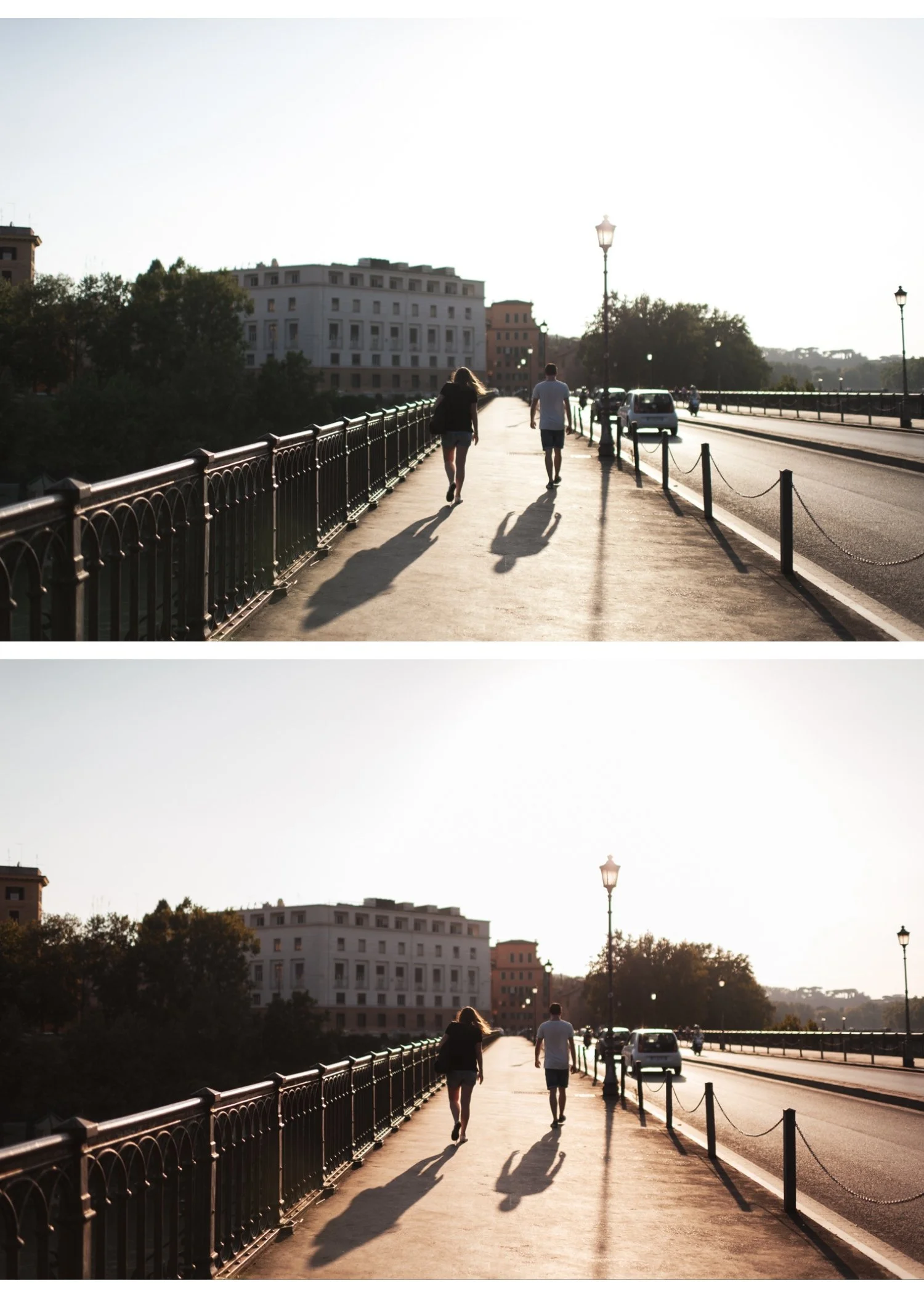
The Fujifilm RAW workflow in Lightroom
When you shoot Fujifilm RAW, Lightroom ignores the in-camera film simulation and renders using its own default profile. To restore the film simulation quality:
Go to Camera Calibration panel at the bottom of the Develop module. Change Profile from Adobe Standard to Camera Classic Chrome, Camera Provia, Camera Velvia etc. This applies Fujifilm's color science as the starting point for all subsequent editing.
Apply your preset on top of the camera profile. The result is closer to authentic Fujifilm color than a preset alone on default rendering.
Best presets per Fujifilm film simulation
Classic Chrome users
Classic Chrome is desaturated and slightly cool. The closest preset match is Analog Film Archive A7 Soft Matte or Luxury Archive LV1 Muted Clean. Both share the muted, slightly cool character of Classic Chrome.
After applying the Camera Classic Chrome profile, add A7 or LV1 at 70-80% strength for additional film character without overriding the simulation.
Provia/Standard users
Provia is balanced and natural. Analog Film Archive A6 Clean Portrait or A1 Analog Original are the closest matches — clean, natural, versatile.
Velvia users
Velvia is vivid and saturated. California Archive C8 Sun-Drenched or Chromatic Archive K3 High Contrast Slide enhance the vibrant quality. Apply at 60-70% strength — Velvia is already vivid and needs less additional saturation than other simulations.
Eterna Cinema users
Eterna is flat and cinematic. Moody Film Archive M3 or M4 complement the flat, atmospheric quality. The moody preset adds the color character that Eterna's flat base lacks.
Acros users
Acros is Fujifilm's best black and white simulation. Monochromatic Archive B3 High Contrast or X Archive X1 Dramatic Base add film grain character on top of Acros's excellent tonal rendering.
Fujifilm JPEG editing
Fujifilm JPEGs have the film simulation baked in — you are editing the processed result rather than RAW data. Film presets still work on JPEGs but with less latitude for adjustment.
For JPEG editing: apply presets at 60-75% strength. JPEGs have less dynamic range for the preset's tonal adjustments to work within.
The color and character of the film simulation is preserved — you are adding additional film preset character on top.
The Analog Film Archive for Fujifilm
The Analog Film Archive is built on film color science that aligns closely with Fujifilm's Provia and Classic Chrome simulations. Clean, natural, organic. Ten variations covering every lighting condition.
EXPLORE THE ANALOG FILM ARCHIVE — $27
Also: Fujifilm Look Lightroom Preset Guide
Free Fujifilm-compatible preset
FAQ
Why does my Fujifilm RAW look different in Lightroom than on my camera?
Lightroom ignores in-camera film simulations for RAW files. Change the Profile in Camera Calibration to your film simulation (Camera Classic Chrome etc.) to restore the Fujifilm color rendering.
What Lightroom preset works best with Fujifilm Classic Chrome?
Analog Film Archive A7 Soft Matte or Luxury Archive LV1 Muted Clean. Apply at 70-80% on top of the Camera Classic Chrome profile.
