Light and Airy Lightroom Presets — Complete Guide (2026)
Light and Airy Lightroom Presets — Complete Guide (2026)
Bright. Soft. Clean. Effortless.
That's what light and airy editing promises — and when done correctly, it looks editorial, calm, and expensive. When done wrong it looks washed out, grey, and flat.
The difference comes down to a few specific adjustments that most photographers either over-apply or get backwards. This guide covers the exact technique, the most common mistakes, and the best presets for getting a consistent light and airy look across your entire gallery.
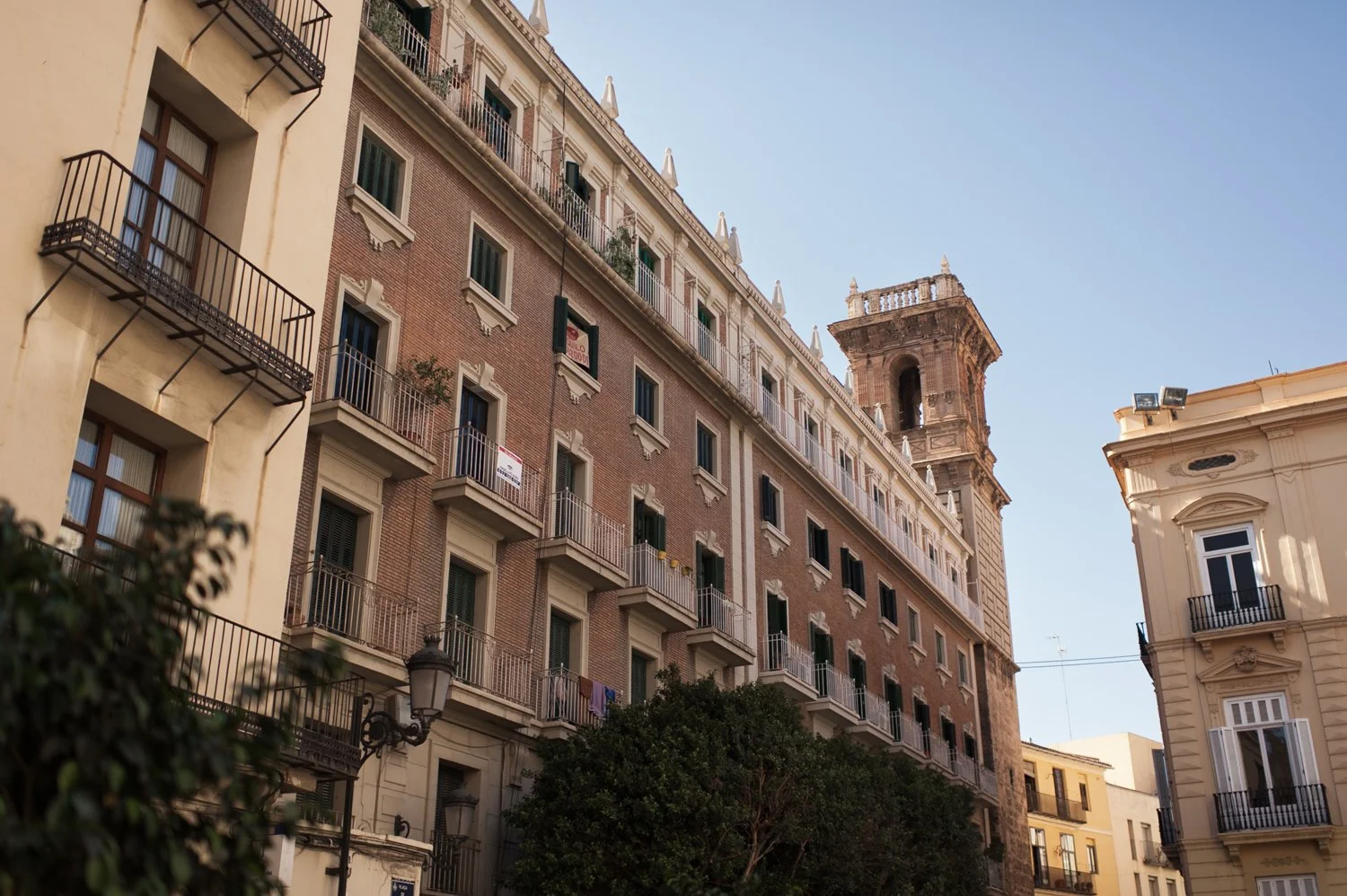
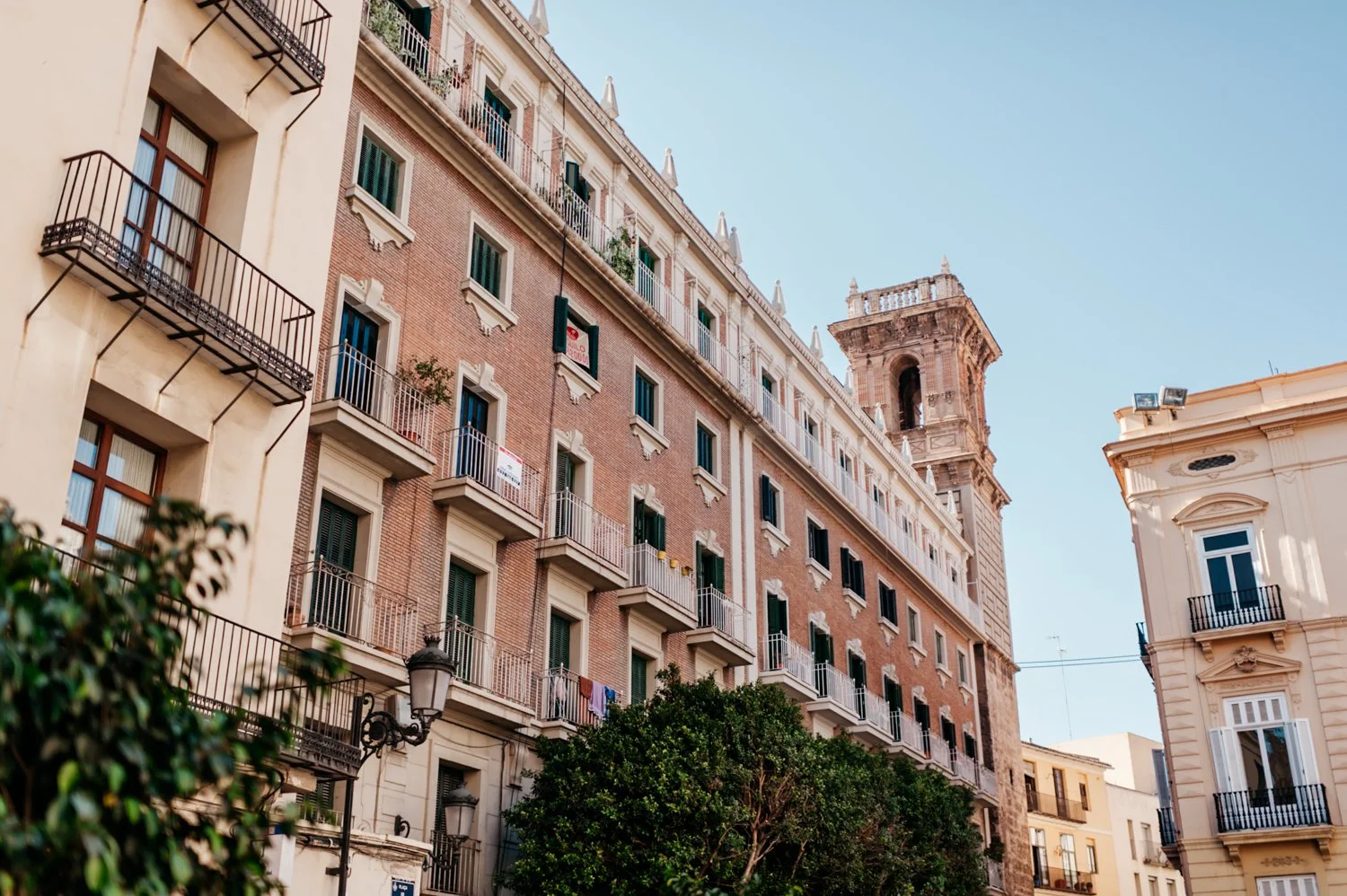
What light and airy editing actually means
Light and airy is not just "brighter photos." It's a specific relationship between exposure, highlights, shadows, and color that creates a sense of soft luminosity rather than harsh brightness.
True light and airy editing has:
Bright midtones — overall luminosity lifted without blowing highlights
Soft highlight roll-off — bright areas fade gently rather than clipping to white
Lifted shadows — dark areas opened up, but not so much that depth is lost
Clean whites — whites stay genuinely white, not grey or hazy
Natural, slightly warm color — saturation reduced, not boosted
Natural skin tones — brightness without orange or washed-out skin
What it is not: overexposed, grey shadows, washed-out color, no contrast, or bleached skin. Those are the signs of over-editing, not light and airy editing.
The exact Lightroom settings for light and airy
Basic panel:
Exposure: +0.3 to +0.7 (brighter base — stop before highlights clip)
Contrast: -15 to -25 (lower contrast is key)
Highlights: -20 to -35 (soft roll-off — protect highlight detail)
Shadows: +20 to +35 (lift shadows but not aggressively)
Whites: -10 to -20 (protect white detail)
Blacks: +15 to +25 (lifted blacks give the airy quality)
Presence:
Texture: -5 to -10 (softer rendering)
Clarity: -5 to -15 (remove digital harshness — important)
Vibrance: -5 to +5 (subtle, not saturated)
Saturation: -5 to 0
Tone Curve:
Lift the bottom-left anchor point significantly — this creates the "lifted" airy feel
Soften the top-right anchor point — protects highlights
Keep the curve gentle with no harsh S-shape
Color Grading:
Shadows: very slight warm tint or neutral
Highlights: neutral to very slightly warm
Midtones: neutral
HSL — Hue:
Orange: shift slightly toward yellow (+5) — natural skin
Yellow: shift slightly toward green (+5)
HSL — Saturation:
Green: -10 to -15
Blue: -15 to -20 (muted, clean blues)
Red: -5 to 0
HSL — Luminance:
Orange: +10 to +15 (brightens skin — important for portraits)
Yellow: +5 to +10
Effects:
Grain Amount: 10-20 (subtle — more than this looks wrong on bright images)
Size: 20-25
Roughness: 35-45
When light and airy works — and when it doesn't
Works best in:
Natural window light — the soft, directional quality of window light responds perfectly to light and airy presets. The preset enhances what's already there.
Overcast outdoor light — flat but bright overcast light is ideal. The preset adds luminosity without fighting against harsh shadows.
White and neutral interiors — clean spaces lift beautifully and white walls stay genuinely white rather than turning grey.
Lifestyle and portrait sessions — the look is flattering on skin and works across most casual to editorial portrait scenarios.
Wedding morning and getting-ready shots — natural light, white dresses, soft indoor environments. Light and airy is practically designed for this.
Struggles with:
Dark indoor lighting — forcing a light and airy preset on a photo shot in a dark café pushes exposure into noise and creates the grey, flat look people hate.
Heavy shadow scenes — the preset lifts shadows but can't create light that wasn't there. If the original has dense, dark shadows, the result looks flat rather than airy.
High contrast outdoor midday — harsh directional shadow plus a bright preset equals uneven, patchy lighting that looks wrong.
Night photography — never force light and airy on night photos.
The Bright & Clean Archive — 6 presets explained
The Bright & Clean Archive (S-Series) is the dedicated light and airy collection at The Editing Studio. Six presets covering the full range of bright, clean editing — from subtle luminosity to high-key studio clarity.
Bright I — Clean Neutral The baseline light and airy look. Balanced tones, crisp whites, natural contrast. The most versatile preset in the collection — works across portraits, lifestyle, and travel in bright light conditions.
Bright II — Airy Lift Lifted highlights with softened shadow depth. The most "airy" feeling preset in the collection — open, luminous, and soft. Best for window-lit portraits and lifestyle photography where you want maximum softness.
Bright III — Soft Clarity Refined tonal structure with subtle contrast control. Slightly more structured than Bright II — works well when you want the light and airy look with a little more tonal depth for editorial use.
Bright IV — Pure Light High-key brightness with controlled highlight roll-off. The brightest preset in the collection. Best for photos with strong, even natural light — white interiors, overcast outdoor, soft window light.
Bright V — Modern White Enhanced whites with clean, minimal color balance. Cool-leaning neutral tones — closer to a clean editorial look than a warm airy look. Strong for branding, product, and minimalist lifestyle photography.
Bright VI — Polished Studio Structured contrast with refined clarity and brightness. The most "finished" looking preset — slight increase in contrast gives it a polished quality that works well for branding and social media content where you want clean but not flat.
Light and airy vs clean film — what's the difference?
These two aesthetics overlap but serve different purposes.
Light and airy:
Brighter midtones and overall luminosity
More lifted shadows
Higher key overall
Best for bright natural light scenarios
Weddings, lifestyle, interiors, soft portraits
Clean film (Analog Archive):
More balanced contrast — not as bright
Natural warmth with slight analog character
Works across more lighting conditions including less-than-perfect light
Slightly more tonal depth and film character
Travel, street, everyday photography, mixed lighting
If you shoot primarily in bright natural light and want a soft, clean aesthetic — light and airy. If you shoot across different conditions and want versatility with analog character — clean film.
Many photographers use both and choose based on the specific shoot.
Light and airy on Lightroom Mobile
Mobile cameras add sharpening and HDR processing that fights against the soft quality of light and airy editing. Before applying a light and airy preset on Lightroom Mobile:
Reduce Sharpening from 40 to 20-25
Set Clarity to -10
Disable Smart HDR in your iPhone camera settings (Settings → Camera → Smart HDR)
This gives the preset a softer base that responds much more naturally.
For installation guides:
Download the free light and airy preset
Test the look on your own photos before buying. Our free Fuji 400H-inspired preset is a soft, luminous film look — lifted blacks, gentle highlight roll-off, natural skin tones. Apply it to a window-light portrait or a bright outdoor shot and see how it responds.
Common light and airy mistakes
Over-lifting shadows — the most common mistake. Lifting shadows too aggressively creates the grey, hazy look that makes photos feel flat. Lift enough to open dark areas but keep contrast intact.
Ignoring white balance — warm indoor light plus a warm preset equals orange skin. Always set white balance first, then apply.
Too much exposure on already-bright photos — if the photo is already well-exposed, adding +0.7 exposure pushes highlights into clipping. Apply and then reduce exposure to compensate.
Removing all contrast — light and airy needs some tonal structure. A completely flat image looks like a technical mistake, not an aesthetic choice.
Applying to wrong lighting — light and airy cannot fix bad light. It enhances good light. If the original photo was shot in harsh, dark, or mixed artificial lighting, the preset will look wrong regardless of how good it is.
The Bright & Clean Archive
Six light and airy presets covering clean neutral, airy lift, pure light, modern white, and polished studio looks. $4.50 per preset vs $10 market price.
EXPLORE THE BRIGHT & CLEAN ARCHIVE — $27
Or get all 130+ presets including the full Bright & Clean Archive:
THE STUDIO ARCHIVE — 130 PRESETS, $89
FAQ
What are the best light and airy Lightroom presets in 2026?
Film-inspired light and airy presets with lifted blacks, soft highlight roll-off, and natural skin tones perform best. The Bright & Clean Archive (S-Series) is the most complete option six variations from subtle luminosity to high-key studio clarity for $27.
Why do my light and airy edits look grey and washed out?
Almost always caused by lifting shadows too aggressively or removing too much contrast. Lift shadows to +20-30, keep some blacks visible, and make sure whites stay genuinely white rather than turning grey from excessive lifting.
Do light and airy presets work on iPhone photos?
Yes, but reduce clarity to -10 and sharpening to 20-25 before applying. Mobile cameras add contrast and sharpening that fights against the soft look. Also disable Smart HDR in your iPhone camera settings for a flatter, more film-like base to work with.
What's the difference between light and airy and bright and airy?
The terms are used interchangeably. Both refer to the same aesthetic — lifted exposure, soft highlights, clean whites, and open shadows that create a luminous, soft look.
Can I use light and airy presets for wedding photography?
Yes — it's one of the most popular wedding editing styles. Works especially well for getting-ready shots, outdoor ceremonies in natural light, and reception details. For full wedding gallery consistency, choose a preset that handles both bright outdoor and indoor scenes — the Bright III or Bright I presets work well across mixed conditions.
How is light and airy different from overexposed?
Overexposed means highlights are clipped — detail is lost in bright areas. Light and airy has protected highlights with soft roll-off — bright areas retain detail and feel luminous rather than blown out. The difference is in the highlight and tone curve control.
